

Online Status
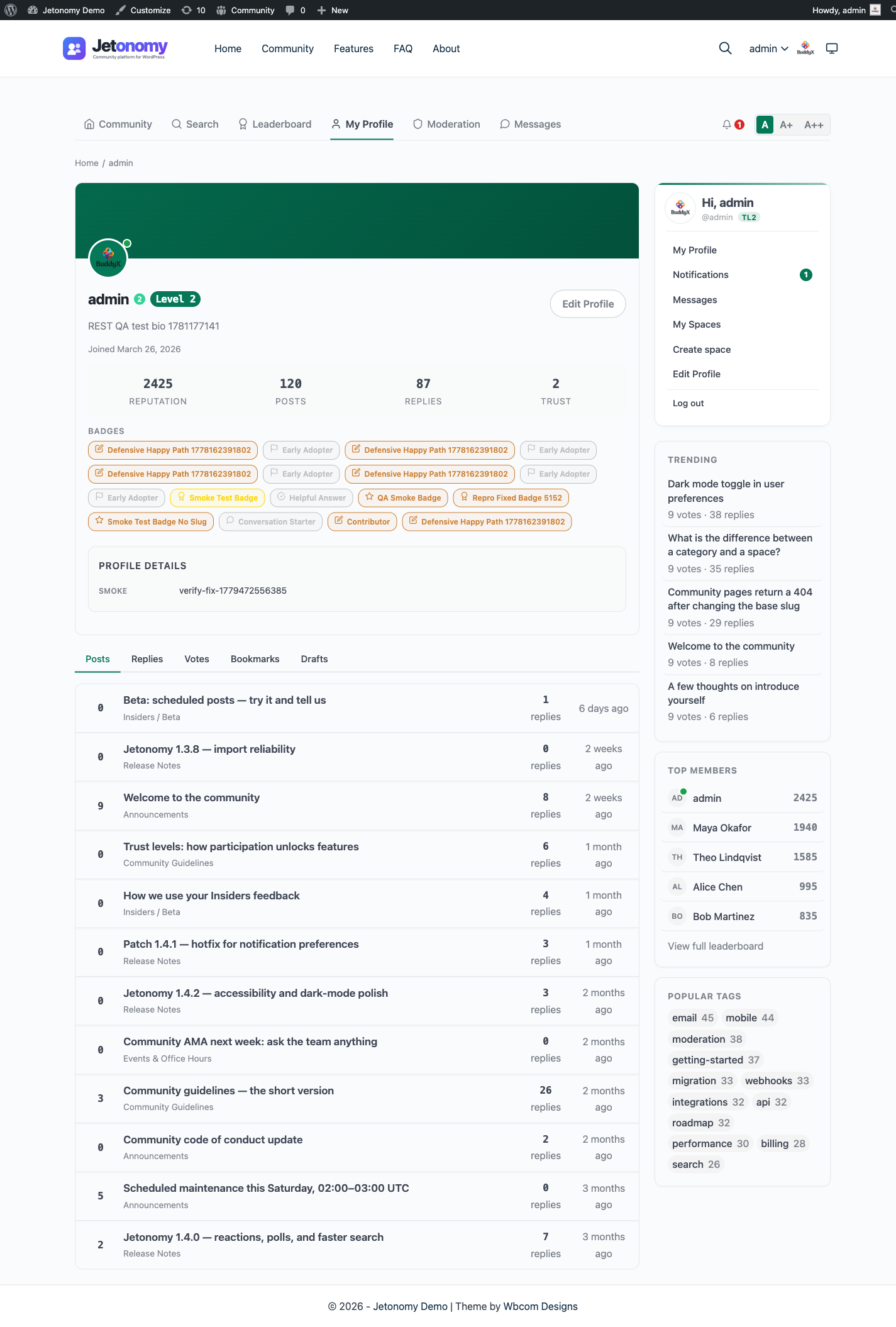
The online status green dot shows which members are currently active in your community. It makes conversations feel more live and helps members know when is a good time to expect a quick reply.
What You Will Learn
- When the green dot appears on a member's avatar
- Where online status is displayed across the community
- Where it is intentionally not shown and why
- How Jetonomy tracks activity without overloading the database
- That no setup is needed - it works automatically
When the Green Dot Appears
A green dot appears on a member's avatar when they have been active in the community within the last 5 minutes. Active means any authenticated page load or interaction - visiting a topic, posting a reply, casting a vote, or navigating between pages.

After 5 minutes of inactivity, the dot disappears automatically on the next page load that renders it.
There is no manual "appear offline" or "appear online" toggle. Online status reflects real activity.
Where Online Status Appears
The green dot is shown in these locations:
| Location | Shown |
|---|---|
| Reply cards (author avatar) | Yes |
| Member profile page (header avatar) | Yes |
| Sidebar Leaderboard widget | No (the widget lists names and scores only, no avatars) |
| Topic listing rows (author credit) | No |
| Search results (author credit) | No |
Why Not on Topic Listing Rows
Topic listing pages can show dozens of topics, each by a different author. Rendering the online status for every author on that page would require checking multiple records in a single request - potentially 20 to 50 lookups per page view on an active community.
Jetonomy deliberately omits the online dot from listing rows to keep those pages fast. The detail-level contexts (reply cards, profiles, widgets) are the right place for presence information because you are already focused on a specific member.
How Activity Tracking Works
When a logged-in member loads any community page, Jetonomy records a timestamp on their user record. To prevent a database write on every single page view, updates are rate-limited: Jetonomy writes the timestamp at most once per minute per member.
If a member loads 10 pages in 30 seconds, Jetonomy writes to the database once. This keeps the wp_jt_user_profiles table write volume proportional to the number of unique active members, not the total number of page views.
The online status check itself (reading whether a member is active) is cached for 60 seconds using the WordPress object cache. On a page with 10 reply cards by different authors, Jetonomy makes at most a small batch of cache reads rather than 10 individual queries.
No Setup Required
Online status is automatic. There is no setting to enable, no API key to configure, and no JavaScript polling. It works the moment Jetonomy is activated.
Note: Online status is only tracked for logged-in members. Guests who browse your community are not tracked and do not show an online indicator.
What's Next?
Go back to other sections, or return to the main community setup guide.