

Revisions
The Revisions admin page lets you browse every saved revision of every post and reply, and compare any two of them side-by-side. Use it to see what changed when a member edits, or to recover content from an earlier version.
What You Will Learn
- When Jetonomy saves a revision (and when it doesn't)
- How to find a specific revision by post, user, or date
- How to read the side-by-side diff
- The relationship between the Revisions page and the post-level edit history
Go to Jetonomy → Revisions to access the page.
When a Revision Is Saved
A revision is saved every time a post or reply is edited and the change is meaningful - that is, the content actually differs from the previous version. Pure formatting tweaks (e.g. adding a paragraph break that doesn't change the rendered output) won't always create a revision.
Revisions are NOT created when:
- The post is first published - that's the initial version, not a revision
- The edit is from the same user within the auto-save window (a few seconds)
- Only metadata changes (e.g. tags or pinned-state) - those go into the Activity Log, not Revisions
Browsing Revisions
The list view shows every revision sorted by date. Use the filters to narrow:
| Filter | What it does |
|---|---|
| Post | Show every revision of one specific post or reply |
| User | Show every revision authored by one user (across posts) |
| Date range | Show revisions saved between two dates |
Each row shows the post title, the editor, when the change was saved, and the size delta (e.g. "+128 chars / −42 chars").
Side-by-Side Diff
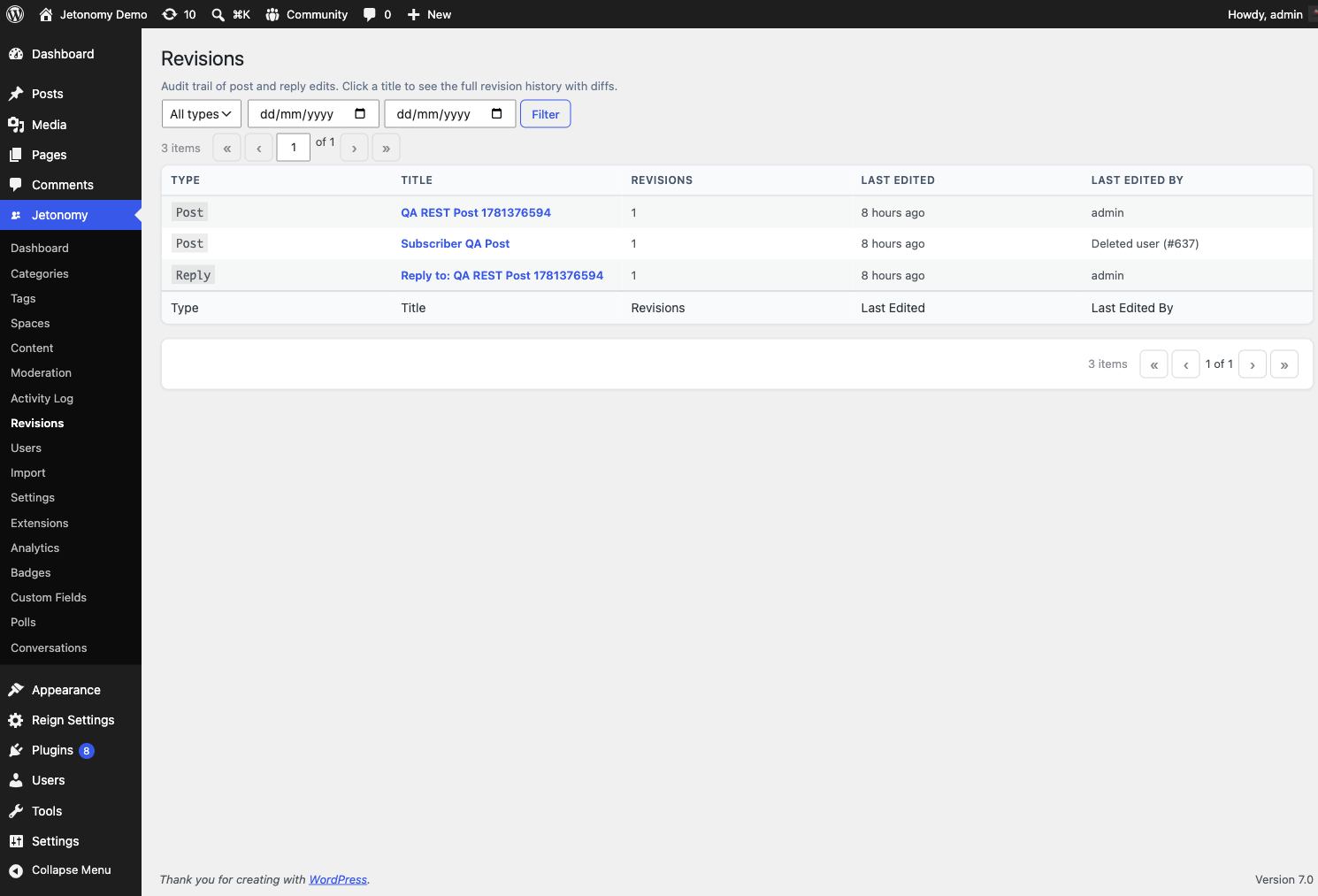
Click any revision to open the diff view. Pick two revisions from the same post and you'll see:
- The before version on the left, after on the right
- Added text highlighted green, removed text highlighted red
- Line numbers so you can locate changes in context
The diff is character-aware, so small typo fixes show as small highlights rather than entire-paragraph rewrites.
Read-Only
Like the Activity Log, the Revisions page is read-only. To roll back to a prior revision, edit the post and paste the older content in. There's no one-click revert button - that's a deliberate choice to keep the audit trail truthful.
Permission
Only users with the jetonomy_manage_settings capability (administrators only by default) can see this page. Members can see their own edit history on each individual post, but not the cross-post Revisions admin view.
Storage
Revisions are stored in a dedicated database table separate from WordPress core revisions. They don't bloat wp_posts, and they're not affected by the WP_POST_REVISIONS constant. Jetonomy keeps every revision indefinitely; if you need a retention policy, reach out via support.