

Feature Overview
Free & ProEverything Jetonomy does, on one page. This is the fastest way to see whether Jetonomy fits your community - it groups every feature by what it actually does for you, links straight to the deep-dive guide for each area, and marks which features are free and which are Jetonomy Pro.
How to Use This Page
Each section below is a job your community needs done - publishing discussions, organizing them, keeping them clean, recognizing contributors, and so on. Read the benefit, scan what is included, then follow the links to the full guide for anything you want to set up.
Features marked Pro require Jetonomy Pro. Everything else ships in the free plugin.
Content & Discussions
This is the heart of Jetonomy: a fast, modern composer and a reply system built for threads with hundreds of contributions. Members write clear topics, the best answers float to the top, and nobody loses a half-finished post.
What is included:
- Topics - the primary unit of discussion, with a Markdown composer, inline image upload, tags, similar-topic detection, and topic prefixes. See Creating Topics.
- Replies and threading - threaded conversations, multiple sort orders, and efficient loading for long threads. See Replies & Threading.
- Voting - upvote and downvote on posts and replies so the most useful content rises naturally. See Voting.
- Accepted answers - mark the reply that solved a question in Q&A spaces. See Replies & Threading.
- Drafts and scheduling - save work in progress and publish now or at a future date. See Drafts & Scheduling.
Pro adds:
- Polls - attach a single or multi-select poll to any topic for decisions and feedback. See Polls.
- Reactions - emoji reactions on posts and replies so members can respond without writing a full reply. See Reactions.
- Anonymous Posting - members post and reply without showing their name, enabled per space, with an audited admin-only reveal. See Anonymous Posting.
- File Attachments - attach new images, PDFs, and documents to topics and replies, with a lightbox and an inline PDF viewer. (The free plugin already displays any attachment already on a post - see File Attachments.)
Spaces & Organization
Spaces are how you keep a large community navigable. Group them into categories, pick the right space type for each purpose, and control exactly who can join. The right structure makes your community feel purpose-built instead of generic.
What is included:
- Categories and spaces - top-level categories that group focused discussion spaces. See Creating Spaces.
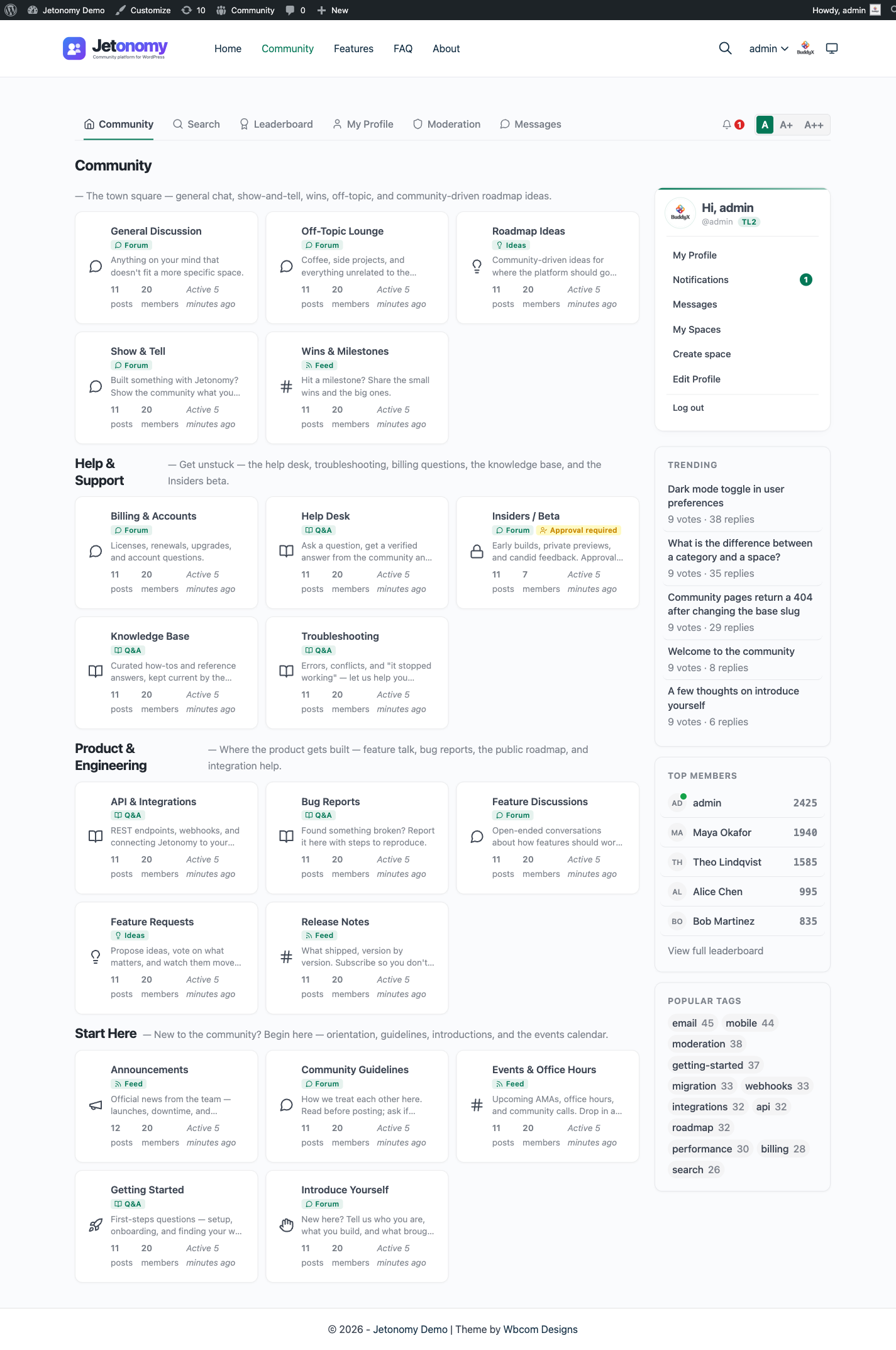
- Four space types - Forum, Q&A, Ideas, and Feed, each changing how posts and replies behave. See Space Types.
- Membership and join policies - public, private, or hidden visibility paired with open, approval-required, or invite-only join rules. See Membership & Join Policies.
- Invites - invite-link landing pages so the right people get in without manual setup. See Membership & Join Policies.
Pro adds:
- Custom Fields - structured fields on posts, member profiles, and spaces so you collect exactly the information your community needs. See Custom Fields.
Moderation & Trust
Jetonomy keeps quality high without a moderator watching every post. Trust grows automatically with good participation, members flag problems, and one queue handles everything that needs human review.
What is included:
- Trust levels 0 to 5 - members earn higher trust and gain capabilities automatically as they contribute. See Trust Levels.
- Flagging and reporting - any logged-in member can report content that breaks your rules. See Flagging & Reporting.
- Moderation queue - a single dashboard for posts awaiting approval, flagged content, and spam-caught items. See Moderation Queue.
- Anti-spam - multiple silent layers of spam protection that real members never notice. See Anti-Spam.
- Banning - remove disruptive members from your community. See Trust Levels.
- Blocking - members can hide a disruptive member's replies from their own view and report them in one step, from the mobile app or the REST API. See Flagging & Reporting.
- Pinning and announcements - keep important topics at the top of a space. See Topic Management.
Pro adds:
- Advanced Moderation - rules that catch bad content automatically before it ever appears. See Advanced Moderation.
- Site Announcements - feature one post at the top of every space across the whole community. See Site Announcements.
Members & Gamification
Recognition keeps people coming back. Every member gets a public profile, reputation built from real contributions, and a place on the leaderboard worth competing for.
What is included:
- Member profiles - a public page showing who a member is and what they have contributed. See User Profiles.
- Reputation - a contribution score that powers trust levels and rankings. See User Profiles.
- Leaderboard - public recognition for your top contributors. See Leaderboard.
- Account deletion - members can permanently delete their own account from the mobile app or the REST API. See User Profiles.
Pro adds:
- Custom Badges - design your own badges and the conditions members earn them by. See Custom Badges.
Search & Discovery
Members can only engage with content they can find. Full-text search and cross-space tags make every discussion discoverable the moment it is published.
What is included:
- Full-text search - fast search across topics and replies with filters. See Search & Filters.
- Tags - connect related discussions across every space from a single tag page. See Tags.
Pro adds:
- SEO Pro - per-space meta titles, Open Graph images, Twitter Cards, schema markup, and sitemap rules. See SEO Pro.
Notifications & Messaging
Jetonomy brings members back when something relevant happens. Every event has an in-app notification and an email, and Pro adds direct messaging plus the channels members actually check.
What is included:
- In-app notifications - real-time alerts for replies, mentions, votes, and more. See Notifications.
- Email notifications - an email for every event type, with per-member control over what is delivered. See Email Settings.
Pro adds:
- Private Messaging - one-on-one and small-group direct messages without leaving your community. See Private Messaging.
- Email Digest - a curated daily or weekly summary of community activity. See Email Digest.
- Web Push - browser push notifications that reach members even after they close your site. See Web Push.
- Reply by Email - members reply to discussions straight from their email client. See Reply by Email.
Admin & Branding
Run the whole community from a clean WordPress admin. Every setting has a home, every action is logged, and Pro lets you present the community as entirely your own.
What is included:
- Settings - configure general behavior, permissions, email, appearance, SEO, anti-spam, and access control. See General Settings.
- Admin pages - manage spaces, categories, content, and users from the dashboard. See General Settings.
- Activity log - a read-only, filterable audit trail of every important event. See Activity Log.
Pro adds:
- White Label - remove all Jetonomy branding and present the community as your own product. See White Label.
Analytics & Integrations
See what your community is doing and connect it to the tools you already run. Jetonomy integrates with the major membership, commerce, learning, and community plugins so access follows enrollment automatically.
Pro adds:
- Analytics - a single dashboard for growth, engagement, and your most active members. See Analytics.
- Webhooks - send community events to Slack, Zapier, your CRM, or any custom pipeline. See Webhooks.
Integrations included:
- MemberPress - gate spaces by membership level. See MemberPress.
- Paid Memberships Pro - gate spaces by PMPro level. See Paid Memberships Pro.
- WooCommerce - open spaces on product purchase or active subscription. See WooCommerce.
- LearnDash - pair course and group enrollment with discussion spaces. See LearnDash.
- Tutor LMS - pair course enrollment with discussion spaces. See Tutor LMS.
- BuddyPress - make groups and forum spaces feel like one membership. See BuddyPress.
- FluentCommunity - run the social feed and the forum as one product. See FluentCommunity.
Developer Platform
Jetonomy is built to be extended. Everything members can do is reachable through a documented REST API, hooks, WP-CLI, blocks, and shortcodes - so you can automate, embed, and customize without touching core.
What is included:
- REST API - 81 free routes (109 method-endpoints) under
jetonomy/v1, 141 routes across the pair with Pro active. See REST API. - Hooks - 239 hooks in free (110 actions, 129 filters), plus Pro's own. See Hooks Reference.
- WP-CLI - 14 free command roots and 15 in Pro for headless automation. See WP-CLI.
- Blocks and shortcodes - eight Gutenberg blocks, four classic widgets, and eight shortcodes to embed community content anywhere. The four widgets are Recent Posts, Leaderboard, Active Spaces, and User Stats (Active Spaces and User Stats are reachable only through the
[jetonomy_widget]shortcode). Most surfaces are available as both a block and a shortcode, with three exceptions each way: Navigation, Login, and User Panel are block-only, while[jetonomy_user_profile],[jetonomy_space_members], and[jetonomy_widget]are shortcode-only. See Shortcodes, Widgets & Blocks.
Pro adds:
- AI - bring large language models into spam detection, auto-moderation, reply suggestions, and thread summaries, with self-hosted options. See AI.
What's Next?
Ready to set it up? Start with installation, then run the setup wizard to go live.