

What Mighty Networks is, and who it suits
Mighty Networks is a hosted community platform. Courses, community spaces and native mobile apps come together in one product that the vendor runs for you. Check the vendor’s site for current plans and features, since those change.
It suits creators and coaches who want a finished product quickly. You sign up, brand it, invite people and start. There is no WordPress site to run and no plugin to choose.
If that describes you, read the last section of this page before deciding to move anything.
The real difference: a bundle against a toolkit
Mighty Networks is one product with everything inside it. Jetonomy is one part of a toolkit, and it is only the discussion part: forums, Q&A, ideas boards and a short-form feed, on your own WordPress forum.
That changes what you own. Threads are pages on your domain, members are WordPress users and the data is in your database. It also changes what you carry. Nobody patches the platform for you, and nobody ships a mobile app you did not ask for.
For some people the toolkit is the whole point. For others it is homework.
Where discussion structure matters
A feed is good for quick posts and light chat. It is less good when someone asks a question that the next member will also ask.
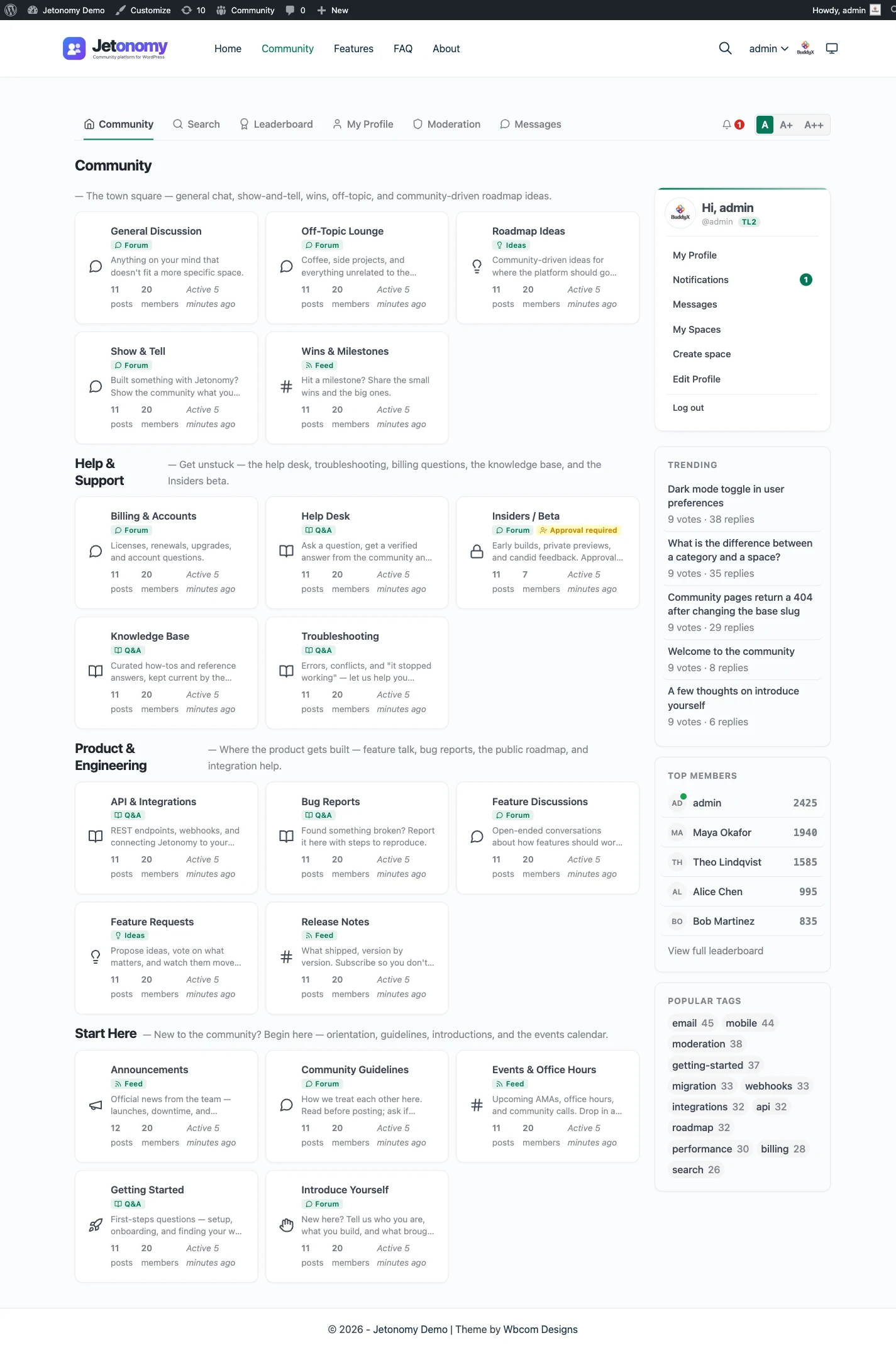
Jetonomy has four space types. Forum is threaded. Q&A has voted answers and one accepted answer. Ideas has voting and a status roadmap. Show & Tell is a short-form feed. The guide to forum, Q&A and ideas spaces helps you match each topic to a type.
What that gives your members
- One thread per question, with the accepted reply marked.
- Search across everything they are allowed to read.
- Reputation and a leaderboard that reward useful replies.
- Private, public or hidden spaces, joined by approval or invite link.
Moderation is built in. Members flag posts, moderators work through a queue, and trust levels from 0 to 5 start new accounts with tighter limits. Anyone can read how that works on the trust levels and moderation page.
From install to the first real thread
You do not sign up with a vendor. You add a plugin to a site you already run, and the order is short.
- Install and activate the free plugin from the WordPress admin.
- Run the setup wizard: choose the community address and a default type, then create a first space or load sample data.
- Create categories and spaces, giving each the type that fits: Forum, Q&A, Ideas or Show & Tell.
- Set who can read and, if you sell access, gate spaces by plan with MemberPress or Paid Memberships Pro.
- Add the Community link to your menu and invite your first members.
- Add Learnomy for courses, BuddyNext for profiles and a feed, and Pro for the iOS app, only when you need them.
The guide to building a community on WordPress walks through the thinking behind these choices.
Access and paid spaces
If members pay to belong, access control is the heart of the setup. A space can be public, private or hidden, joined by approval or an invite link, or gated by a membership plan. The free plugin reads plans from MemberPress and Paid Memberships Pro, and Pro adds more adapters.
Blocked visitors can be sent to the plan that opens the space. Paying members are placed on the roster of the spaces their plan grants, and a lapsed plan removes only the access it gave. Their posts stay. The membership and monetization page lists the supported plugins.
What it costs you to run each
A hosted platform costs a subscription and almost no upkeep. You do not choose a host, update software or worry about a plugin conflict. Check the vendor’s site for what each plan includes.
Jetonomy costs a WordPress host plus your time. The core plugin is free and Pro starts at $69 a year for one site. You also need someone who can keep WordPress and its plugins updated. If you already run a site, the added work is modest. If you do not, it is the biggest cost of the move.
Big communities need care too. Jetonomy keeps data in its own indexed tables and uses an external object cache, such as Redis or Memcached, when your host provides one. Budget for hosting that can run it.
What owning it means in practice
The community stops being a tenant. Threads are pages on your domain, members are users in your database, and the settings are yours to change. A change of host, theme or membership plugin is a decision you make, not a notice you receive.
It also means you carry the responsibilities. Updates, backups and email delivery are on your side of the line. Privacy requests run through the WordPress export and erase tools: an export covers a member’s profile, posts, replies and votes, and an erase keeps their writing but removes their name.
If a Pro licence lapses, the Pro extensions switch off after 30 days, while the free plugin and all your data carry on. You are never locked out of your own community.
Search and being found
Threads in a public space are ordinary pages on your domain, with structured data from the free plugin. A question with an accepted answer is described as such to search engines, and each public space has an RSS feed. Whether a page ranks is up to the search engine.
Inside the site, members search with MySQL full-text across what they are allowed to read. It is not a separate search service, and it does not need one at community scale.
Moving over: what transfers and what does not
No importer exists for Mighty Networks. The built-in importers cover bbPress, wpForo and Asgaros, and nothing else. Moving means a manual rebuild, or a custom script written against the REST API or WP-CLI. A developer can build that with the REST API and hooks, but it is not built in.
What carries over in practice
- Your member list, as ordinary WordPress users you invite across.
- Your topic structure, rebuilt as spaces and categories.
- Your best discussions, re-posted as threads in the right space type.
What does not
- Post history, unless a developer writes a script for it.
- Course content, which belongs in a learning plugin.
- Native app installs. Members would use the website or the iOS app that needs Pro. See the mobile app page.
A normal week as the owner
A busy week is not complicated. Clear the moderation queue, reply to the questions that are still open, and welcome new people. If you run courses through Learnomy, keep an eye on the spaces tied to them.
Behind that sits the site routine of updates and backups. Pro adds an email digest and web push, which matter more here than on most pages, because members used to a native app will want a reason to come back.
The first thirty days
A plain schedule keeps the move calm.
- Week one: build the spaces and write the first five threads yourself.
- Week one: test sign-in, email and the moderation queue with a second account.
- Week two: invite your most active members first and ask them to post.
- Week three: link to the new home from your hosted community, one topic at a time.
- Week four: compare what members open in each place.
- After that: decide what stays hosted, what moves, and what you retire.
Nothing forces an all-or-nothing choice. Other owners have built very different community shapes with the same parts.
The same bundle, as separate plugins
A hosted product bundles everything into one bill. The self-hosted version is a set of separate plugins from the same team, all on one WordPress site and one login. Each is optional, and you install, host and update each yourself. That is the honest trade.
Jetonomy is the forum and Q&A plugin. BuddyNext is the social layer, with profiles, an activity feed and groups. With both active, the forum adopts BuddyNext’s look and BuddyNext owns the page header and navigation. Read the BuddyNext partner page for the details.
Learnomy is the course plugin. With Jetonomy Pro, a space can be gated by a Learnomy course or membership plan, so enrolling adds the member and expiry removes them while their posts stay. See the Learnomy partner page.
The same team also makes WP Career Board for jobs, Listora for directories, Eventonomy for events with RSVP and capacity, WPMediaVerse for member media and WB Gamification for points and badges. They run on the same site, each as its own plugin. The BuddyX Pro and Reign themes come from the same team too, and Jetonomy adopts the active theme’s brand colour. The full list is on the partners page.
Other alternatives worth a look
- Circle is another hosted platform, with courses, events and live streaming built in, and it wins if you want a polished bundle.
- Skool pairs a community with a classroom, and it wins when a simple, game-like course community is the goal.
- Discourse is a dedicated self-hosted forum app, and it wins if you do not use WordPress at all.
- Facebook Groups cost nothing to start, and they win when your members already live there.
- Discord wins for live voice and chat, which a forum does not try to offer.
- bbPress is the older WordPress forum plugin, and it wins if you only need very plain threads.
What Jetonomy does not include for this buyer
The hosted product is strongest where Jetonomy is deliberately thin. Read this list before you decide.
- It does not include courses; Learnomy is a separate plugin.
- Its mobile app is a native iOS app and needs Pro; see the mobile app page.
- It does not host live sessions or video.
- It does not publish an app under your own name in an app store.
- It has no importer for Mighty Networks.
If an app and a classroom are the product you sell, those gaps matter more than ownership does.
Notifications and moderation
Members see a bell and get email for replies, mentions, accepted answers and changes to an idea’s status. Each person chooses what reaches them, and one switch pauses every email at once. Pro adds web push, a digest and reply by email.
On the moderation side, flagged posts land in one queue, each space can have its own moderators, and new accounts begin with tighter limits under trust levels. A ban or silence is there when it is needed. The work is light in a small community and grows with it, so decide early who is responsible.
Making it look like your brand
A hosted product gives you a branded space inside its own design. Here the community sits inside your theme. Jetonomy adopts the active theme’s brand colour, supports right-to-left languages and lets a theme override its templates from its own folder. The BuddyX Pro and Reign themes from the same team are built with that in mind.
The free settings cover your logo, accent colour and email branding. Pro White Label changes only the admin-side labels, so do not expect it to rebrand what members see.
Who should stay with Mighty Networks
Stay if you have no WordPress site and no wish to run one. Stay if native apps are the heart of your offer, because that is where the hosted product is strongest. Stay if courses and community sell together and you want one vendor to answer for both.
Move, or run the two side by side, when you want your discussions to live on your own domain and your own data. If you are unsure, start small: stand up one public Q&A space for the questions people keep asking, keep the hosted community running, and see which one members open more. A hosted platform can handle the course while a forum on your site holds the questions that should be found. See pricing and the feature list before you decide.