

Search and Filters
Jetonomy's search finds content across your entire community in real time - topics, spaces, and tags - and lets you narrow results with powerful filters so members always land on exactly what they need.
What You Will Learn
- How to run a full-text search from anywhere in the community
- What the filter pills do and how to use them
- How advanced filters refine results by date, author, tag, and sort order
- How to show and hide the filter bar
- How developers can extend search filters with a custom hook
Running a Search
The search bar sits in the community navigation, visible on every page. Type any keyword and press Enter or click the search icon. Jetonomy searches across:
- Topic titles and content
- Space names and descriptions
- Tag names
Results appear on the search results page at /community/search/. Each result card shows the content type, the space it belongs to, the author, the date, and a short excerpt with your search term highlighted.
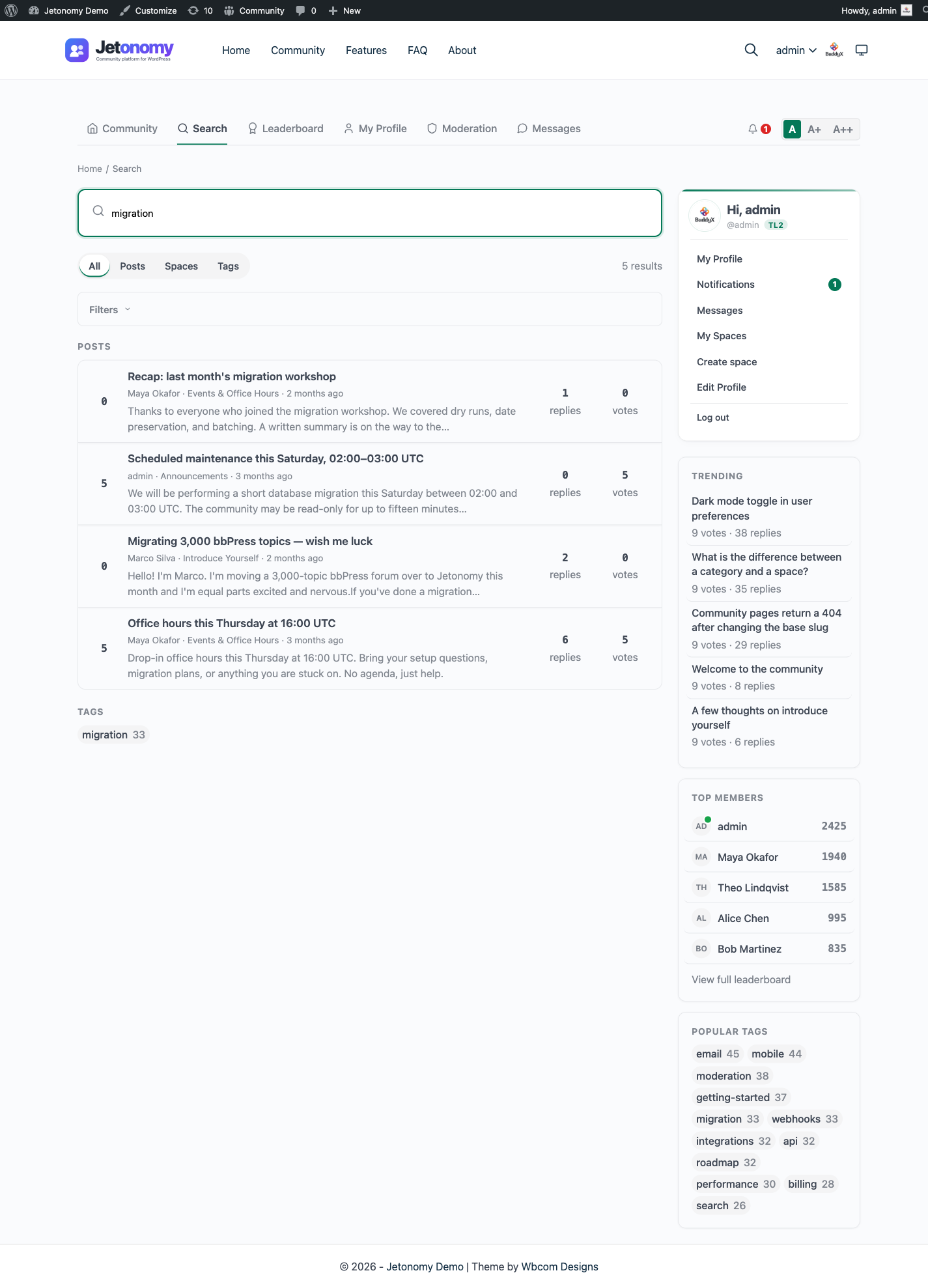
Tip: Every word you type is required (AND), matched as a prefix - searching
email digestfinds posts containing bothemail...anddigest.... Short words (under 4 characters) are ignored, so lead with the distinctive terms.
Filter Pills
At the top of the results page, four filter pills let you narrow by content type instantly:
| Pill | Shows |
|---|---|
| All | Every matching result |
| Posts | Topic results only |
| Spaces | Space results only |
| Tags | Tag results only |
Click any pill to filter. The URL updates so you can share a filtered search link with your team.
Advanced Filters
Click the Filters disclosure to expand the advanced filter bar. It auto-expands whenever any filter is already active. These filters stack - you can combine them in any combination.
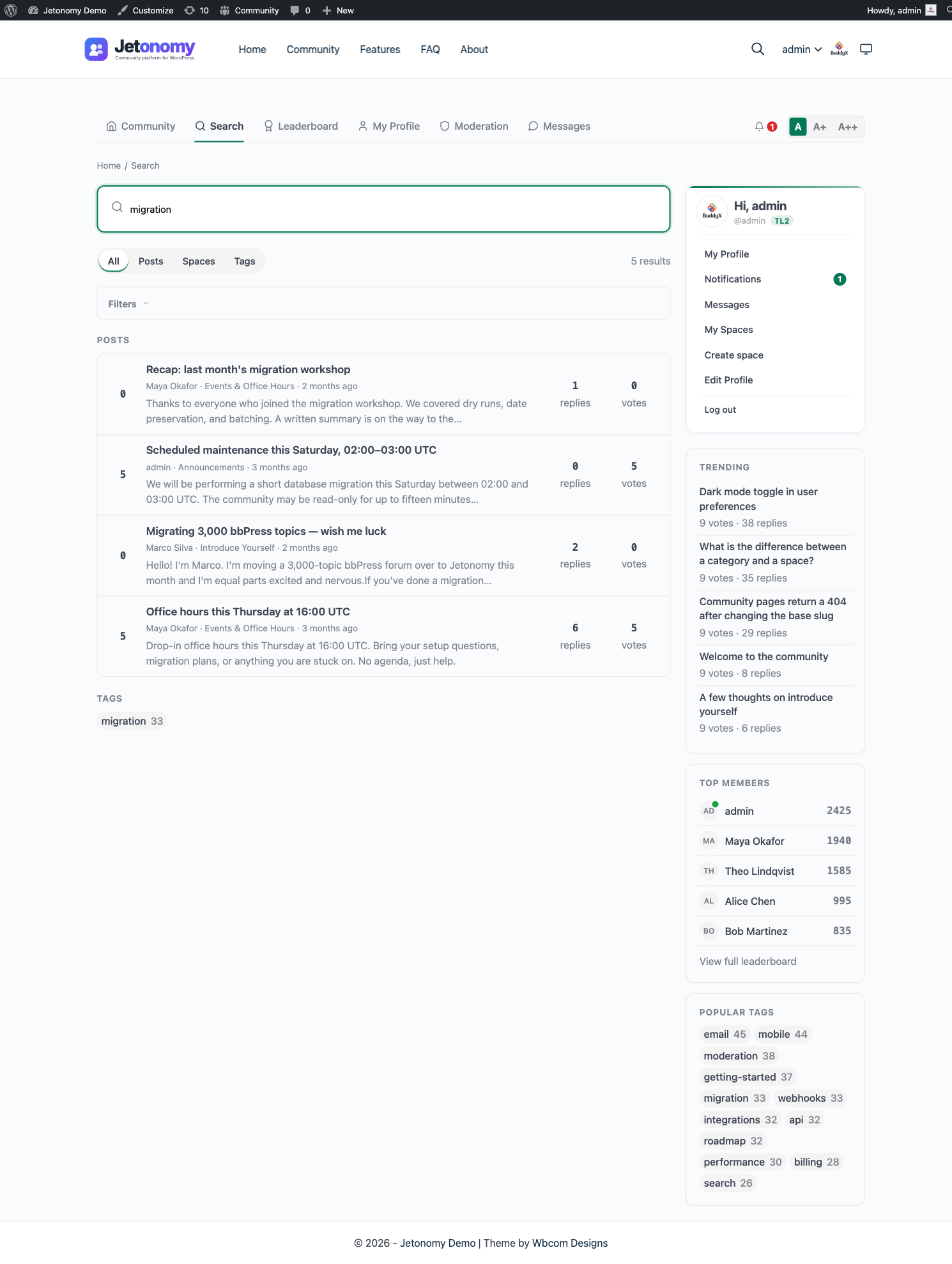
Date Range
Set a Date from and / or Date to date to restrict results to a window. Jetonomy filters by the post's original publish date, not its last reply date.
Author
Type a name or username to filter results to a specific author. Jetonomy resolves it to the matching member when you submit the search (there is no live typeahead). This is useful for reviewing a particular member's contributions or finding your own older posts.
Tag
Type a tag name to restrict results to posts that carry that tag. Combining author and tag filters is a fast way to find all posts by a specific member on a specific topic.
Sort Order
| Option | Orders by |
|---|---|
| Relevance | Full-text match score (default) |
| Newest | Most recently published first |
| Most Voted | Highest net vote score first |
Relevance is the default because it surfaces the best textual match. Switch to Newest when you know you are looking for a recent discussion. Switch to Most Voted when you want the community's highest-rated answer on a topic.
Collapsing the Filter Bar
Click Filters again to collapse the bar. Your active filters remain applied even while the bar is collapsed.
For Developers: Extending Search Filters
To modify the search query itself, use the jetonomy_search_query_args filter. It receives the assembled query arguments (q, space_id, date_from, date_to, author_id, tag_slug, sort) and must return the array.
add_filter( 'jetonomy_search_query_args', function( $args ) {
    // Restrict the query to a specific space.
    if ( ! empty( $_GET['space_id'] ) ) {
        $args['space_id'] = absint( $_GET['space_id'] );
    }
    return $args;
} );
To render extra controls in the filter bar, hook the jetonomy_search_filters action. It is a do_action (it returns nothing) fired just after the filter form, with three arguments: the query string $q, the active $filter pill, and an array of the current filter values.
add_action( 'jetonomy_search_filters', function( $q, $filter, $filters ) {
    // Echo your own markup for an extra filter control here.
}, 10, 3 );
See the Hooks Reference for the full parameter list.
What's Next?
Learn how tags work across spaces and how members can browse tag pages to find related content.
Related Pro Features
- SEO Pro - per-space meta, schema.org markup, OG/Twitter cards, and sitemaps so search engines surface your community.