

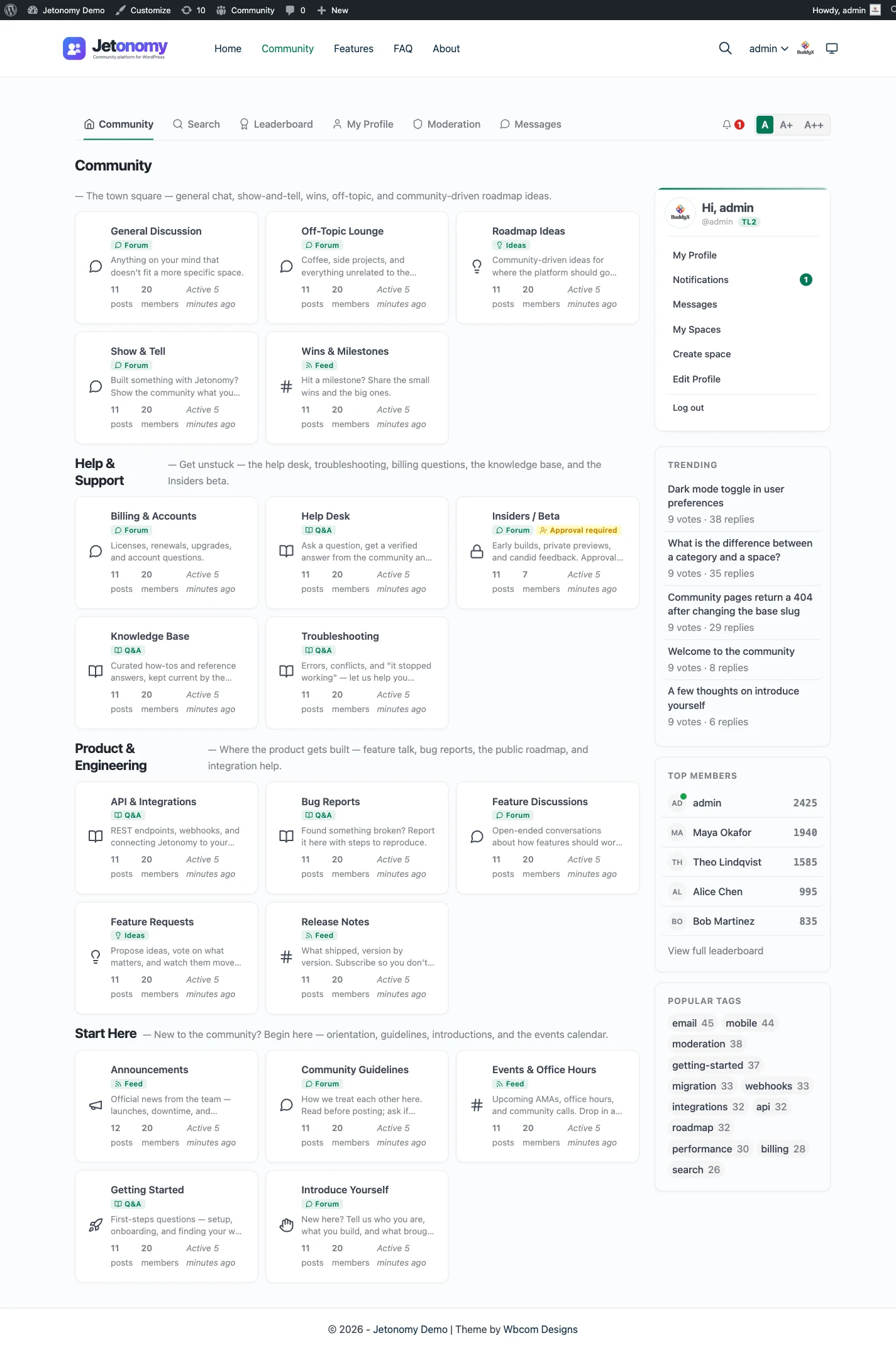
Search for forum software and you get a pile of lists that mix unlike things. A self-hosted Ruby application sits next to a chat app, next to a WordPress plugin, and all three are called a community platform. They are not substitutes for each other. They are answers to three different situations.
So this guide sorts by situation first. Do you want to run an application on a server you control? Do you want someone else to host it? Or do you already have a WordPress site that the community should live inside? Pick the group, then compare within it.
One note on who wrote this: it comes from the team that makes Jetonomy, a WordPress forum plugin. It is one of the options in the WordPress group and not the answer to every question. Where another tool is the better pick, this guide says so.
The question behind most searches: who charges for growth?
Many people who search for forum software are really asking what it will cost when the community gets big. Some products charge by member count or by plan tier. Others charge nothing for members and charge for the things around them. Here is the model, without any vendor numbers, because those change.
| What you pay for | Self-hosted app | Hosted platform | WordPress plugin |
|---|---|---|---|
| Server or hosting | You, directly | The vendor, built into the plan | You, on the hosting your site already uses |
| Software licence | Free or a licence, depending on the product | Part of a subscription | Free core, optional paid tier |
| Per-member charge | None | Often, or a plan limit tied to members or features | None |
| Upgrades and security patches | Your time | The vendor | Your time, through normal plugin updates |
| Moderation and setup | Your time | Your time | Your time |
| What happens if you stop paying | Software keeps running; paid extras may stop | The community can go away | Free core keeps working; paid extras may stop |
Read the third row twice. If you want software that does not charge per user, you are looking at the first and third columns. In the middle column, check how the plan grows with members, features and admins before you build an audience there, because the bill rises just as the community starts to work.
Group one: forum applications you run on your own server
These are standalone applications. You rent a server, install the software, and run it on its own address. They do not need WordPress, and none of them shares a login with WordPress unless you build that bridge.
Discourse
What it is. A modern, open-source forum built on Ruby, known for its live-updating interface, trust levels and a large plugin and theme-component ecosystem. It also has a hosted offering run by its makers.
Fits. A large public community that stands on its own, run by a team that can maintain a Ruby application or pays for hosting.
Falls short. It is a separate stack to host and update, and it does not share a login or theme with a WordPress site. The comparison with a WordPress plugin is on the Discourse alternative page.
Flarum
What it is. A lean PHP forum with a clean interface and an extension system of its own.
Fits. A standalone community that wants a small, modern application and is happy to install and update extensions itself.
Falls short. A smaller extension market than the bigger names, and the same separation from WordPress. See the Flarum alternative page.
NodeBB
What it is. A forum built on Node.js, designed around real-time updates, with a hosted option as well as self-hosting.
Fits. Teams that already run JavaScript services and want a forum that feels live as people post.
Falls short. You need someone comfortable running Node in production, and it is not tied to a WordPress site. See the NodeBB alternative page.
XenForo
What it is. A commercial, self-hosted forum application with a large add-on and style market and a long record on busy forums.
Fits. A big, forum-first community that wants a mature product and will pay a licence for it.
Falls short. It is another licensed system beside your site, with its own users. See the XenForo alternative page.
phpBB
What it is. The long-running free, open-source PHP forum, with a classic board layout and a big library of extensions and styles built by its community.
Fits. A traditional forum where the forum is the whole site, and the owner likes the classic layout.
Falls short. A dated default look and a separate user database from any WordPress site. See the phpBB alternative page.
Invision Community
What it is. A commercial suite from one vendor that bundles forums with other apps such as a gallery, a blog and a calendar.
Fits. An owner who wants one vendor and one admin area for several community features and no WordPress involvement.
Falls short. It is a suite to adopt as a whole, and it lives apart from any WordPress site. See the Invision Community alternative page.
Group two: hosted tools someone else runs
You sign up and get a community. There is no server and nothing to patch. The trade is that you rent the space and live inside the vendor’s rules.
Vanilla Forums
What it is. A hosted community product aimed at organisations, with vendor-run service and support.
Fits. A company that wants a vendor, a service agreement and account management, and treats a contract as a feature.
Falls short. You do not own the setup, and it suits organisations more than small projects. See the Vanilla Forums alternative page.
Circle
What it is. A hosted all-in-one community platform with courses, events, live streams and mobile apps.
Fits. Creators and coaches who want a polished, turnkey space and have no website or no wish to run one.
Falls short. You rent it, the pages mostly stay inside the platform, and the plan grows with what you use. Read how a plan scales before you commit. See the Circle alternative page.
Discord
What it is. A chat and voice app where communities organise into servers and channels.
Fits. A live, fast-moving crowd: game nights, voice hangouts, quick back-and-forth.
Falls short. Chat scrolls away, search is weak, and nothing is published for search engines to find. It is excellent at talking and poor as a record of answers. See the Discord alternative page.
Group three: forum plugins inside WordPress
If you already run a WordPress site, the forum can be a plugin. The WordPress forum plugin page shows what Jetonomy does inside that group. Members sign in with their WordPress accounts, the pages use your theme, and the data sits in your own database. There is no second application to host.
| Plugin | Best for |
|---|---|
| bbPress | A simple free forum, and BuddyPress group forums |
| wpForo | A configurable classic forum with many add-ons |
| Asgaros Forum | A small, quiet forum |
| Simple:Press | A long-standing forum with a big add-on catalogue |
| Jetonomy | Forum plus Q&A with accepted answers plus an ideas board |
The best WordPress forum plugins guide compares them in detail, with last-updated dates and install counts checked in October 2026. The individual comparison pages are bbPress, wpForo and Asgaros Forum.
When a WordPress forum plugin is the better fit
A plugin beats a standalone app in specific situations. If none of these is true for you, a standalone app may be the better choice.
- The community belongs next to a WordPress site. A course, a store, a membership or a support section. One login, one theme, one domain.
- Access follows payment. If paying members should reach certain spaces, a plugin that connects to MemberPress or Paid Memberships Pro keeps access and payment in step. In a standalone app you build that bridge yourself.
- You want one stack to maintain. One application to update, back up and secure, instead of two.
- Your content should earn traffic for your site. Forum pages on your own domain add to its authority, instead of building a second site’s.
- You want to own the data. Posts live in your database, readable with SQL, WP-CLI or a REST API, whatever happens to a vendor.
It is the wrong choice in a few cases too. If there is no WordPress site and no plan for one, a plugin gives you nothing and costs you a site. If the live feel matters most, NodeBB and Discourse do better on screen than a plugin. And if you want voice and video, that is chat.
Which one fits? Worked scenarios
A WordPress course site that needs a place for students to ask questions. A WordPress plugin with Q&A. Students are already users, and access can follow enrolment. A forum with Q&A and accepted answers is the shape, and the Q&A feature explains how.
A software product with no WordPress site, thousands of users and a team with a DevOps person. Discourse or NodeBB. Both are built for a standalone, public, busy community, and neither asks you to run WordPress.
A hobby forum that has run on phpBB for 15 years. Stay unless something is broken. A working classic board with a loyal base is not a problem to fix. If you want to move, plan an export and redirects, and test on staging.
A coach selling a paid cohort, no site. Circle or a similar hosted tool. You get courses, events and apps without running anything. Check how the plan grows before the cohort does.
A gaming group that wants to talk tonight. Discord. Add a forum later if you find the same questions coming back and you want the answers to last.
A SaaS company that sells through WordPress and wants a feature-request board and a support forum. A WordPress plugin with an ideas board and Q&A, such as Jetonomy. Members vote on requests, and answers stay on your own domain. See the ideas board feature.
A large enterprise that wants a vendor to run everything. A hosted enterprise platform such as Vanilla, or a managed offering from one of the open-source vendors. The contract and the service desk are the product.
Comparison table
| Software | Type | Runs on | Built on | Members share a WordPress login | Per-member charge | Best for |
|---|---|---|---|---|---|---|
| Discourse | Self-hosted, also hosted | Your server | Ruby | No | None when self-hosted | Large standalone public forum |
| Flarum | Self-hosted | Your server | PHP | No | None | Lean standalone forum |
| NodeBB | Self-hosted, also hosted | Your server | Node.js | No | None when self-hosted | Real-time feel |
| XenForo | Self-hosted, licensed | Your server | PHP | No | None | Large forum-first community |
| phpBB | Self-hosted, free | Your server | PHP | No | None | Classic board |
| Invision Community | Self-hosted or vendor-run, licensed | Your server or the vendor | PHP | No | Check the vendor | One-vendor suite |
| Vanilla Forums | Hosted | Vendor | Vendor | No | Check the vendor | Organisations wanting a contract |
| Circle | Hosted | Vendor | Vendor | No | Plan tied to usage, check the vendor | Creators with no site |
| Discord | Hosted chat | Vendor | Vendor | No | Free core, optional paid upgrades | Live conversation |
| bbPress | WordPress plugin | Your WordPress host | PHP | Yes | None | Simple free forum |
| wpForo | WordPress plugin | Your WordPress host | PHP | Yes | None | Configurable classic forum |
| Asgaros Forum | WordPress plugin | Your WordPress host | PHP | Yes | None | Small forum |
| Simple:Press | WordPress plugin | Your WordPress host | PHP | Yes | None | Add-on-rich forum |
| Jetonomy | WordPress plugin | Your WordPress host | PHP | Yes | None | Forum plus Q&A plus ideas |
The “per-member charge” column says “check the vendor” where a plan structure applies, because those terms change and are best read on the vendor’s own page.
Questions to ask before you choose
Take these into any trial. They matter more than the feature list.
- Where do my pages and data live? On your domain and in your database, or on the vendor’s.
- Who are my members? WordPress users you already have, or a second set of accounts to merge later.
- What gets charged as I grow? Members, admins, storage, features, or nothing.
- What breaks if I stop paying? For software, extensions may stop. For a hosted platform, the community may.
- How do I leave? An export format, an importer, or nothing. Every platform here is easier to join than to leave.
- What does the first month of moderation look like? Look at the queue, the spam tools and the reporting flow in a trial, with real fake spam.
Moving between forum tools
Switching is the part that surprises people. Importers exist for a few pairs, not most. Jetonomy ships importers for bbPress, wpForo and Asgaros Forum, which read the old tables without altering them. For Discourse, phpBB, XenForo and the rest, plan on an export, a rebuild and an invitation to members, plus redirects from every old address so search traffic follows. The migration guide and the migration feature page describe the WordPress side of this.
A short way to decide
- Running WordPress and want the forum on it: a WordPress plugin. Start with the plugin roundup.
- No WordPress and a technical team: Discourse, NodeBB, Flarum or phpBB.
- A licensed, mature, forum-first product: XenForo or Invision Community.
- A vendor to run it all: Vanilla for organisations, Circle for creators.
- Live conversation: Discord, with a forum for what should last.
Not sure a forum is the right shape at all? The forum, Q&A and ideas guide helps, and how to add a forum to WordPress covers the build.