What XenForo is, and who it suits
XenForo is commercial forum software, written in PHP and sold under a licence. You host it yourself, or arrange hosting through the vendor, and you get a polished forum application with a large add-on market behind it. Check the vendor’s site for the current hosting and licence options.
It has a good reputation for a reason. It handles big, busy communities, it looks finished out of the box, and it has been developed for a long time by a team whose business depends on it. Plenty of well-known forums run on it.
It suits an owner whose forum is the product: a large community, a publisher, a membership business where the discussion is what people pay for. If that is you, treat the rest of this page as a map of trade-offs rather than a push to switch.
The real difference: an application, or a plugin
XenForo is its own application. It has its own users, its own admin, its own design system and its own upgrade path, and it sits next to your website rather than inside it. For a forum-first project that separation is a feature, since the forum gets a stack built for it.
If you also run a WordPress site, the separation becomes the cost. Members register twice, or you build a bridge. The theme needs matching by hand. A membership you sell in WordPress does not automatically open a door in the forum.
Jetonomy takes the opposite position. It is a plugin, so members are WordPress users and the forum shares your login, your theme colour and your membership plugin. You give up a dedicated forum product and a bigger add-on market, and you get one fewer system to run.
What it costs to run each
Standalone, licensed software has three kinds of cost: the licence, the hosting and the people. Add-ons add more. For a large forum those costs buy a mature product and are usually worth it. Check the vendor’s site for current licence terms.
A plugin has a different shape. Jetonomy’s core is free and runs on the WordPress hosting you already pay for, and Pro starts at $69 a year for one site. The hidden costs are real, though: a busy forum loads the same server as your site, so a growing community may need better hosting sooner. An object cache such as Redis or Memcached helps if your host has one.
Skills matter too. Running a separate application is a server-admin job. Running a plugin is a WordPress-admin job, which more people on a team can do. The pricing page shows the Pro tiers.
Running a large community on a plugin
Size is the question a XenForo owner asks first, and it deserves a straight answer. Jetonomy stores discussions in its own indexed tables, not in the posts table, and it uses Redis or Memcached when your host provides one. Lists are paged rather than loaded whole, and counts are kept alongside the data.
That is the right design for a busy forum. It does not remove the limits of your host, though. The forum shares the server with the rest of your site, so a community with heavy traffic needs hosting to match. The scalability notes in the docs show what we measured and how. Test your own numbers on staging with realistic data before you commit.
Keeping members coming back
A big forum depends on people returning. The free plugin gives members in-app notifications and @mentions. Pro adds an email digest, web push, and reply by email, so a member can answer a thread from their inbox.
Pro also adds a native iOS app. The mobile app page explains what it needs. If you sell access, the free plugin gates spaces behind MemberPress or Paid Memberships Pro, and Pro adds more adapters.
Moderation and trust at scale
Large forums live or die on moderation, so it is worth being specific. XenForo is known for strong tools here, and you should compare them against your needs.
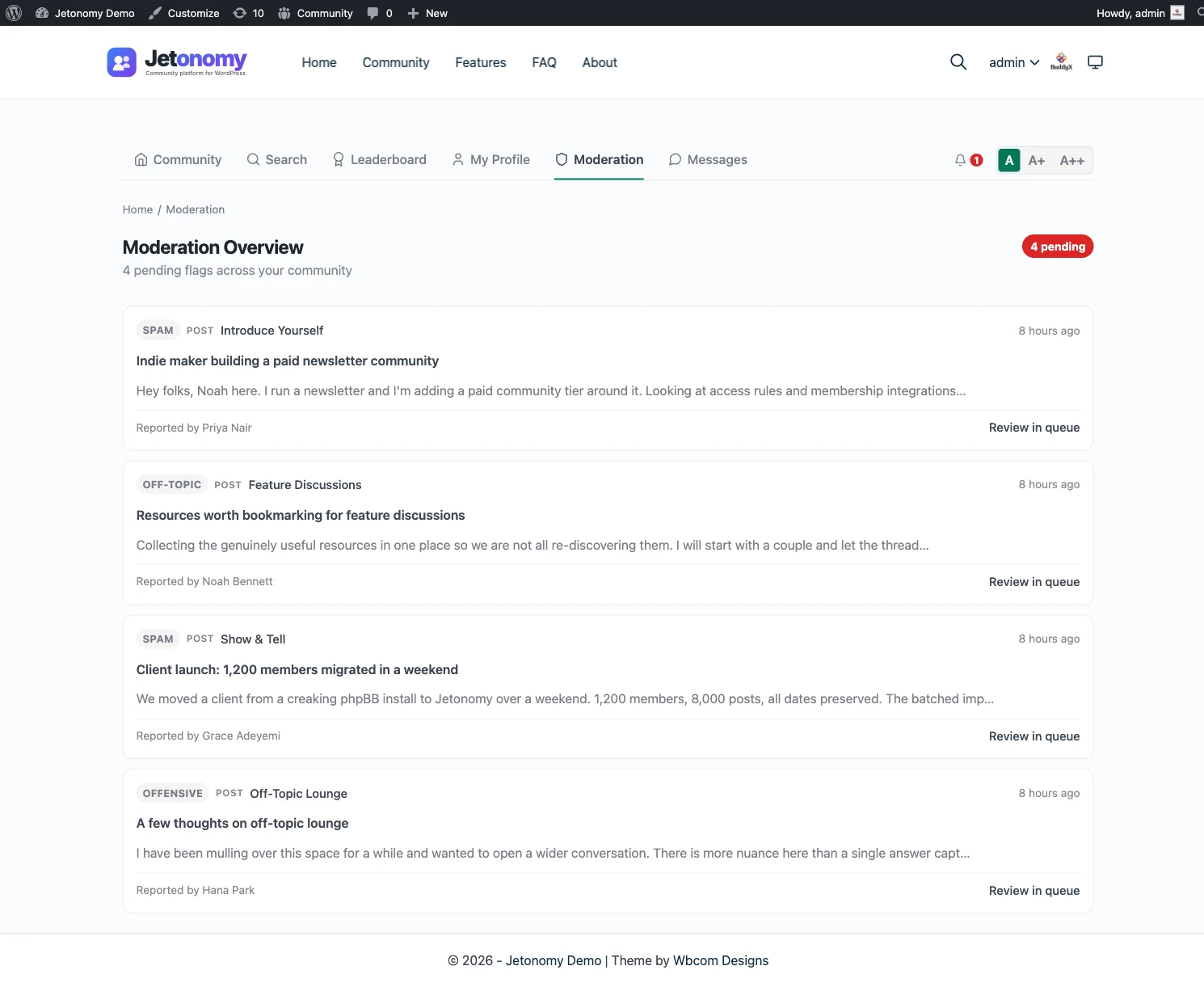
Jetonomy offers a moderation queue for flagged content, per-space moderators, ban and silence, and a revision and activity log. Akismet is wired in free. Trust levels run from 0 to 5, with levels 1 to 3 earned through post count, days active and reputation, and 4 and 5 granted by an admin.
Pro adds advanced moderation rules and AI moderation, which can use OpenAI, Anthropic, a custom endpoint or a self-hosted Ollama. A moderator still has to read the queue; no tool replaces that.
Moving over: no importer, plan a project
Jetonomy imports from bbPress, wpForo and Asgaros Forum, and from nothing else. There is no XenForo importer, and a move is a project rather than a button. The migration and import page states what exists.
Routes that are open to you
- Rebuild by hand: create spaces for the forums that matter and carry across the threads people search for.
- Run both for a while: keep XenForo read-only and point new activity at the new forum.
- Commission a script: a developer can build an import against the REST API or WP-CLI, using the hooks where needed.
Things to settle early
- Member accounts and password resets.
- Redirects, which you must create yourself.
- Anything that depends on a XenForo add-on, which has no counterpart to carry over.
Start with the migration guide and test on staging.
What Jetonomy does not do for a XenForo community
Be clear on these before you decide.
- There is no XenForo importer, and no tool for carrying over members, password hashes or private messages.
- There is no redirect generator. A large forum has a lot of indexed addresses, so budget time for a redirect map.
- XenForo add-ons have no equivalent to install. Each needs a setting, a Pro extension, custom code or a decision to drop it.
- There is no live chat, voice or video.
- Search is MySQL full-text.
None of this is a criticism of XenForo, which covers more ground than a plugin in many areas. The point is that a move is only worth it when the shared WordPress login and one fewer system outweigh what you leave behind.
A staging checklist for a big move
A forum with a long history needs a rehearsal. Treat it as a project with checkpoints.
- Inventory the add-ons and settings you use, and map each to a replacement, a Pro extension or a gap.
- Decide which forums become which space types, and who moderates each one.
- Plan member accounts. People will need WordPress logins, and nobody should be locked out on launch day.
- Have a developer script the content import on staging, using the REST API or WP-CLI, and compare counts afterwards.
- Build the redirect map from the addresses that bring search traffic.
- Keep XenForo read-only for a set period and watch the new moderation queue daily until things settle.
Your data and your licence
Jetonomy keeps everything in your WordPress database, and personal data requests go through the export and erase tools WordPress already provides. Members can delete their own account and data.
One licence covers every Pro extension, and tiers differ only by the number of sites. If it lapses, Pro extensions switch off after 30 days, but the free plugin and all your data keep working.
Paid access and memberships
Many XenForo communities run on subscriptions, so this is worth checking early. The free plugin gates spaces behind MemberPress or Paid Memberships Pro, which keeps paying members on the roster of the spaces their plan grants. Pro adds adapters for WooCommerce, Restrict Content Pro, LearnDash, Tutor LMS and others listed on the partners pages.
A visitor who is blocked from a space can be told which plan opens it. The membership and monetization page shows the flow, and the guide to monetizing a community walks through the choices.
A first thirty days checklist
- Week one: soft launch to your staff and a group of trusted members, and fix what breaks.
- Week two: open the forum to everyone and watch the moderation queue each day.
- Week three: review the trust level settings and the ban and silence rules against what actually happened.
- Week four: check page speed on your host, and decide whether the hosting plan needs to grow.
Timing the move
For a busy community, when you move matters almost as much as how. Choose a quiet stretch in your calendar, away from your busiest seasons, product launches and any renewal deadline that tempts you to rush.
Announce the date well ahead and say what will change for members: a new address, a WordPress login and a different look. Freeze major changes on the old forum a few days before the switch, so the final copy of content is small. After the switch, keep the old forum read-only and watch support messages for a week. People will find what they missed, and a short list of fixes beats a long apology.
A dress rehearsal helps. Run the whole plan once on a staging copy with a handful of testers and write down every surprise. The live run is then a repeat rather than a discovery, and your members meet fewer rough edges.
If your licence renews soon, check the vendor’s site for terms before you set the date, since the cost of an overlap period is easy to forget.
What sits beside the forum
Jetonomy is one of several separate, optional plugins from the same team, run together on one WordPress site and one login. Each is installed, hosted and updated on its own. That is the trade against a hosted suite that bundles everything into one bill.
BuddyNext is the social layer: profiles, an activity feed and groups. With both active, the forum adopts BuddyNext’s look and BuddyNext owns the page header and navigation, with nothing to configure. On such a site BuddyNext owns messaging. See the BuddyNext partner page.
Learnomy is the LMS plugin. With Jetonomy Pro, a space can be gated by a Learnomy course or membership plan. Enrolling adds the member, expiry removes them, and their posts stay. See the Learnomy partner page.
The team also makes WP Career Board for a job board, Listora for a directory, Eventonomy for events with RSVP and capacity, WPMediaVerse for member media and WB Gamification for points and badges. They share a site and a login with the forum, and each is a separate plugin. BuddyX Pro and Reign are themes from the team, and Jetonomy adopts the active theme’s brand colour.
None of these is required, and the forum stands on its own. You add a piece only when a job calls for it. The price of that choice is housekeeping: you install, host and update each plugin yourself, where a hosted platform would bundle it all behind one subscription and one support desk. A separate licensed application has its own version of that chore.
Other alternatives worth a look
- Discourse wins if you want a modern standalone forum, free software, and have hosting skills or budget to run it.
- phpBB wins if you want a free standalone board and a deep library of community extensions.
- SMF wins for a lean free board with its own mod scene.
- bbPress wins as the lightest free option inside WordPress.
- wpForo wins if you want a configurable forum inside WordPress with many add-ons.
- Staying on XenForo wins for a large, forum-first community that already runs well.
Check the vendor’s site for each product before you decide.
Who should stay with XenForo
Stay if the forum is your business. A big community with years of content, a team that knows the software and add-ons you depend on is not a reason to move. Fewer systems on paper is a poor reason to rebuild something that works.
Stay if you do not run WordPress, since the main argument here assumes you do.
If you do run WordPress and the forum is one part of a larger site, read the WordPress forum plugin page and see whether the trade suits you.