

What Invision Community is, and who it suits
Invision Community is a commercial community suite with a long history in forum software. Beyond forums, it offers other apps from the same vendor, such as areas for commerce, galleries, blogs and calendars. Check the vendor’s site for the current list, plus its licence and hosting options.
It suits a team that wants one product to cover most of a community’s needs. The admin area is shared, the look is consistent and there is a single place to ask for help.
That breadth is the reason people choose it, and it is a good reason. A fair comparison starts by respecting it.
The real difference: one suite, or separate plugins
The central choice is a shape, not a feature list. A suite gives you many tools in one box from one vendor. A set of plugins gives you a core forum and lets you add the other tools one at a time.
On WordPress, those tools already exist as plugins. You may have a shop, a course platform or a membership plugin running. Jetonomy is the forum that joins them, sharing your members and your theme, instead of adding another application that duplicates them.
The trade is plain. A suite is simpler to manage because it is one thing. Plugins give you more choice and a smaller starting point, but you coordinate more pieces and each updates on its own schedule.
From install to the first real thread
Adding a forum to a site you already run is a short job, and it needs no new server.
- Install and activate the free plugin from the WordPress admin.
- Run the setup wizard. Choose the community address and a default type, then create a first space or load sample data.
- Create your categories and the spaces inside them, and pick a type for each.
- Choose whether guests may read, and set plan-based access if you sell memberships.
- Add the Community link to your menu and invite a small group.
- Install other plugins only for the parts of the suite you truly used.
See the guide to adding a forum to WordPress for screenshots of each step.
What it costs you to run each
A commercial suite is sold under a licence, and the vendor may also offer hosting. Check the vendor’s site for current terms, because those details change. You pay for the breadth, and you get it in one package.
Jetonomy has a free core plugin. Pro starts at $69 a year for one site, and one licence switches on every Pro extension. You pay for the WordPress hosting you already have, and you handle updates and backups as you do for the rest of the site.
Think about what you will really use, and be strict about it. If you would run the forum, a store and a gallery inside one suite, the suite earns its price. If you only need the forum, a free core is a lighter start.
A staging checklist before you commit
Treat the move as a rehearsal first. Build the new community on a staging copy of your site and test it with a few people before anyone is asked to switch.
- Write down every app and feature of the suite you actually use.
- For each one, name the WordPress plugin that will replace it, or decide to drop it.
- Build your spaces and a handful of real threads, then read them as a newcomer would.
- Test sign-in, email delivery and the moderation queue with a second account.
- Plan your redirects by hand, since none are created for you.
- Choose a date, keep the old site read-only for a while and link to it from the new one.
Search and being found
Public spaces are ordinary pages on your domain. The free plugin writes QAPage, DiscussionForumPosting, Person and BreadcrumbList structured data for them, and each public space has its own RSS feed. Pro adds per-space overrides for search titles and descriptions.
Inside the site, search is MySQL full-text, with filters in the interface. That suits a community-sized archive. If you expect a very large archive and want a dedicated search service behind it, say so early, because Jetonomy does not ship one.
Moving over, and what does not come with you
No importer exists for Invision Community. Jetonomy imports from bbPress, wpForo and Asgaros only, and moving from anything else is a manual rebuild or a custom script. A developer can write that against the REST API or WP-CLI, but it is not built in.
A sensible move looks like this:
- List which of the suite’s apps you actually use, and find a WordPress plugin for each, or drop it.
- Rebuild your forums as spaces and pick a type for each: Forum, Q&A, Ideas or Show & Tell.
- Ask members to sign in with a WordPress account, since forum accounts do not transfer.
- Keep the old site read-only for a while, and set redirects yourself, because none are created.
The migration guide covers the general route. Members will see a profile page on the new site, so tell them what to expect.
Reputation, ideas and answers
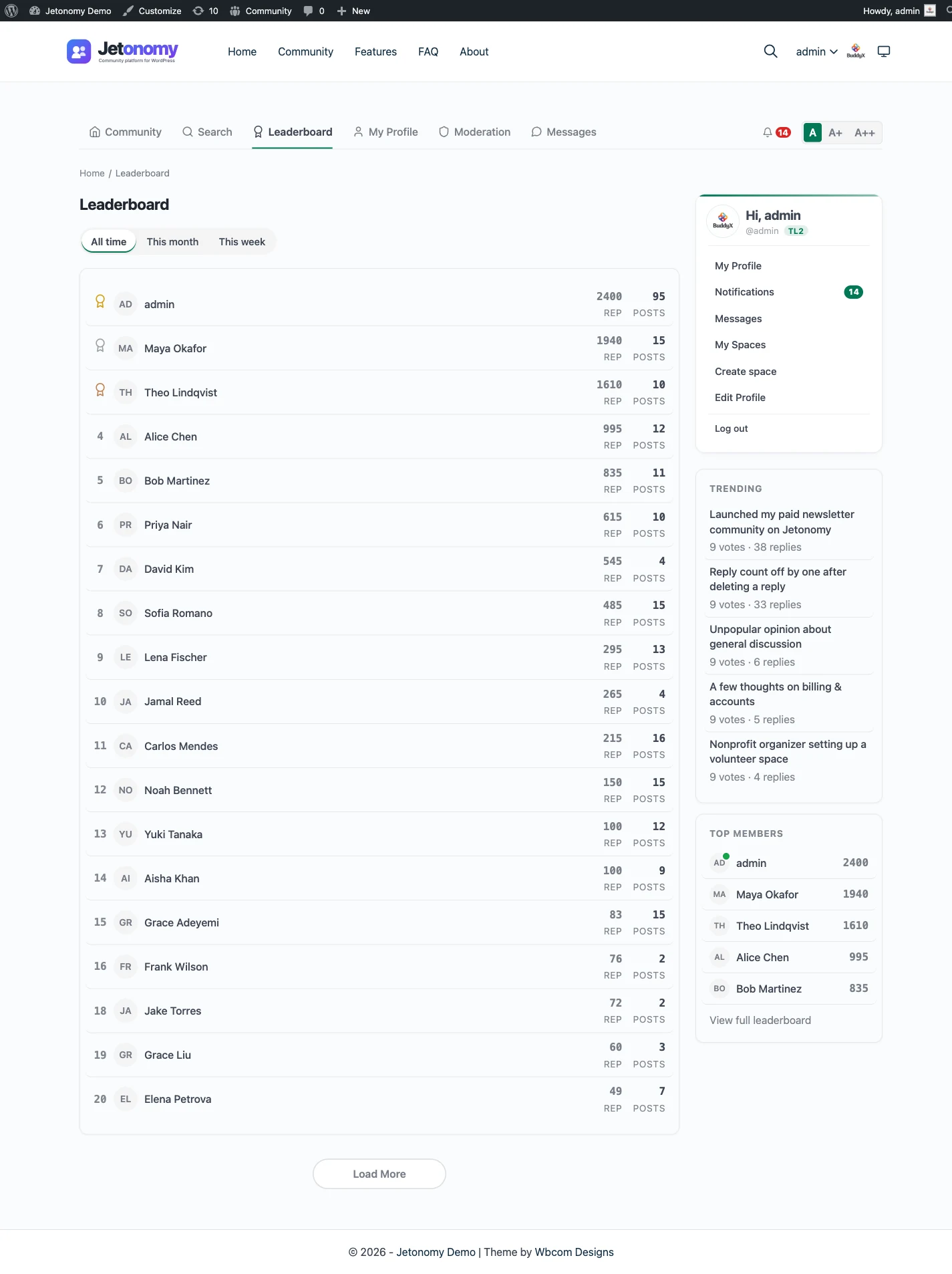
Suites often win people over with community mechanics. Jetonomy covers the core of them in the free plugin.
There is a reputation score and a leaderboard, plus member profiles. Trust levels run from 0 to 5: levels 1 to 3 are earned from post count, days active and reputation, and an admin grants levels 4 and 5. A trust level is a ceiling on what a member may do, not a gift of extra powers. Pro adds custom badges, reactions, polls and analytics.
For product teams there is an Ideas space with voting and a status roadmap, and for support there is Q&A with accepted answers. The discussion forum page is the best starting point.
Data, privacy and day-to-day running
Posts, replies, votes and profiles live in Jetonomy’s own tables inside your WordPress database. One database backup covers the community along with the rest of your site. Members are ordinary WordPress users, so there is a single set of accounts to look after.
Privacy requests go through the export and erase tools built into WordPress. An export includes a member’s profile, posts, replies, votes and subscriptions. Erasure keeps their writing in place without their name and deletes the personal records around it. Members can also delete their own account.
A normal week is modest. Clear the moderation queue, apply updates and check that backups ran. With Pro, advanced moderation adds rules beyond flag-and-queue, and AI moderation can triage incoming posts, which helps once volume outgrows one reviewer.
Access, roles and moderation
Spaces can be public, private or hidden, joined by approval or an invite link, and gated by membership plan. Members are ordinary WordPress users, so the roles and sign-in you already use carry over. A visitor who is blocked can be pointed to the plan that opens the space.
On the moderation side, flagged posts go to a queue, each space can have its own moderators, and a ban or silence is available. Akismet is wired into the free plugin. An activity log and revision history record who changed what, and the trust levels and moderation page covers the rest.
The rest of the suite, as separate plugins
Jetonomy sits in a family of separate, optional plugins from the same team. They share one WordPress site and one login, and you install only the ones you need.
BuddyNext is the social layer, with profiles, an activity feed and groups. With both active, the forum adopts BuddyNext’s look and BuddyNext owns the page header and navigation, with nothing to configure. On such a site BuddyNext also owns messaging, so members get one inbox rather than two. See the BuddyNext page. This is the nearest thing to a suite’s social features.
Learnomy is the LMS plugin. With Jetonomy Pro, a space can be gated by a Learnomy course or membership plan; enrolling adds the member, expiry removes them and their posts stay. That is the closest match to a suite’s course tools. The Learnomy page has the details.
On the same kind of site, WP Career Board is a job board, Listora a directory, Eventonomy runs events with RSVP and capacity, WPMediaVerse handles member media and WB Gamification adds points and badges. BuddyX Pro and Reign are themes from the team.
A suite includes this breadth under one bill. Here each piece is a separate plugin that you install, host and update yourself. That is more upkeep, and it is the price of picking exactly what you want. None of the extra plugins is required, and each one updates on its own schedule.
Other Invision Community alternatives worth a look
The commercial forum space is crowded, and several options beat Jetonomy in certain situations:
- XenForo is a commercial PHP forum with a strong standalone following.
- Discourse is the better call for a very large public forum with infrastructure staff.
- Vanilla Forums is a hosted enterprise community product with a vendor-run model.
- Mighty Networks is a hosted membership community for creators who want it managed.
- Circle is a hosted community and course platform.
- bbPress is the plain, lightweight forum inside WordPress.
If you want a hosted suite and a vendor to call, several of those are right. Jetonomy is for the WordPress-first owner.
What Jetonomy does not include
A suite sets a high bar for breadth, so it is worth being plain about the gaps.
- It does not include a store, a gallery, a blog or a calendar. Those come from other plugins or none at all.
- It has no hosted option; you host it yourself on WordPress.
- It has no importer for Invision Community.
- It has no single vendor desk for every part, since each plugin is its own product.
- It does not run without WordPress.
If one vendor and one admin area are what you are buying, that is a fair reason to stay where you are.
Building on top of it
A suite usually extends through its own add-on system. Jetonomy extends through WordPress. The whole product can be driven over the REST API, there are WP-CLI commands for routine tasks, and hooks and filters let a developer change behaviour without editing the plugin.
Eight blocks and eight shortcodes place community content on any page, and a theme can override templates from its own folder. The developer platform page lists what is open. A feature nobody has built is a small development job rather than an add-on you can buy.
Notifications and keeping members engaged
Members get a bell inside the community and emails for the events that matter: replies to their topics, mentions, accepted answers, idea status changes and moderator actions on their content. An admin sets the site-wide defaults, and each member can change their own, including a single switch that pauses all email at once.
Pro adds an email digest for members who have been away, web push in the browser and reply by email, so a member can answer from their inbox. Site announcements post a notice across the community. Compared with a suite that bundles its own mailing tools, you will probably pair this with the email service you already use.
The skills you need on your side
A suite asks you to learn its admin area and its way of doing things. Jetonomy asks you to be comfortable with WordPress. If you already install plugins, read update notes and take backups, you have most of what it needs. Settings live in the WordPress admin, under the same menus you use for everything else.
You do not need a developer to launch. You do need one if you want a custom import, a bridge to another system or a layout the templates do not offer. Be honest about who on your team can do that, because it decides whether a gap is a small task or a stopping point.
Who should stay with Invision Community
Stay if you use several of its apps and enjoy having them in one place. Stay if the community stands apart from any WordPress site, or if one vendor and one support route matter more to you than flexibility.
Stay, too, if the community is thriving. A working suite is worth more than a cleaner plugin list. To see what a WordPress version would involve, the features overview shows what Jetonomy does today.