

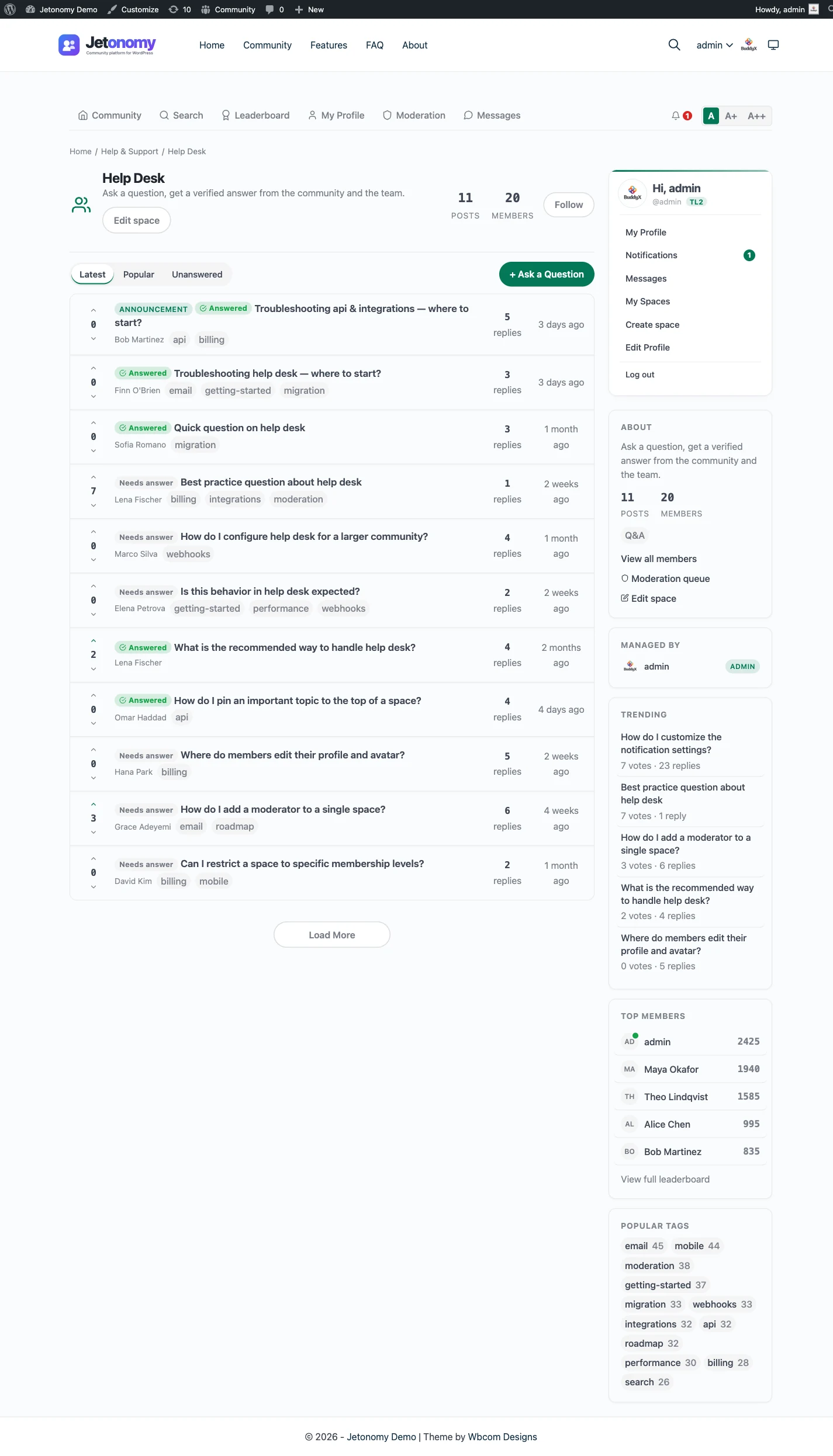
How the Q&A space works
A Q&A space looks like a forum at first glance: a list of questions, each with replies. The difference is what happens to the answer.
When someone asks a question, replies come in like normal. But the question author (or any moderator) can mark one reply as the accepted answer. That reply jumps to the top of the thread with a green check, so anyone landing on the question sees the resolution first, not the twentieth “me too” comment.
The other replies do not disappear. They stay below, sorted by votes, so a strong second answer or an important caveat is still one glance away. Members upvote the replies that helped them, and the signal compounds: the more a community uses the space, the better the ordering gets.
Why it beats a plain forum for support
In a plain forum, the answer to “how do I reset my API key?” is in reply #14 of a thread, and there is no way to know that without reading all fourteen. So the next person asks again. Multiply that across a year and your team answers the same handful of questions hundreds of times.
A Q&A space flips it. The first time the question is answered well, someone marks it accepted. Every future visitor, and every Google search, lands on the resolved answer. The question gets asked once and answered forever. That is the difference between a forum that creates support load and one that removes it.
Set it up in minutes
Create a space, set its type to Q&A in the space settings, and you are done. New questions in that space get the accepted-answer workflow and vote-sorted replies automatically. You can gate the space behind a membership plan, open it to the public for SEO, or keep it members-only, all without touching code.