What phpBB is, and who it suits
phpBB is free, open-source forum software written in PHP. You install it on a server, point it at a database, and you have a classic bulletin board: forums, topics, replies, private messages, a long list of permissions. It has been around for a very long time, and that history shows in how much it covers.
It suits a project where the forum is the destination. A hobby community, an open-source project’s support board, a fan site. The people who run it are happy to administer a separate application, and the members are happy to register for it.
That is a real category of use, and nothing here is meant to talk you out of it. The comparison matters for a different reader, the one who already has a WordPress site.
The real difference: a second application
phpBB does not know about your WordPress site. It has its own users, its own admin area, its own design system and its own upgrade routine. Everything your website already does for visitors has to be done again for the forum, or bridged.
Count what that means in practice. A customer who buys a membership on your site creates an account there. To join the forum they create another. Your header and footer are one design, the forum is another, and keeping them close takes a developer’s time. If you sell access, the forum cannot see who paid unless someone builds that link.
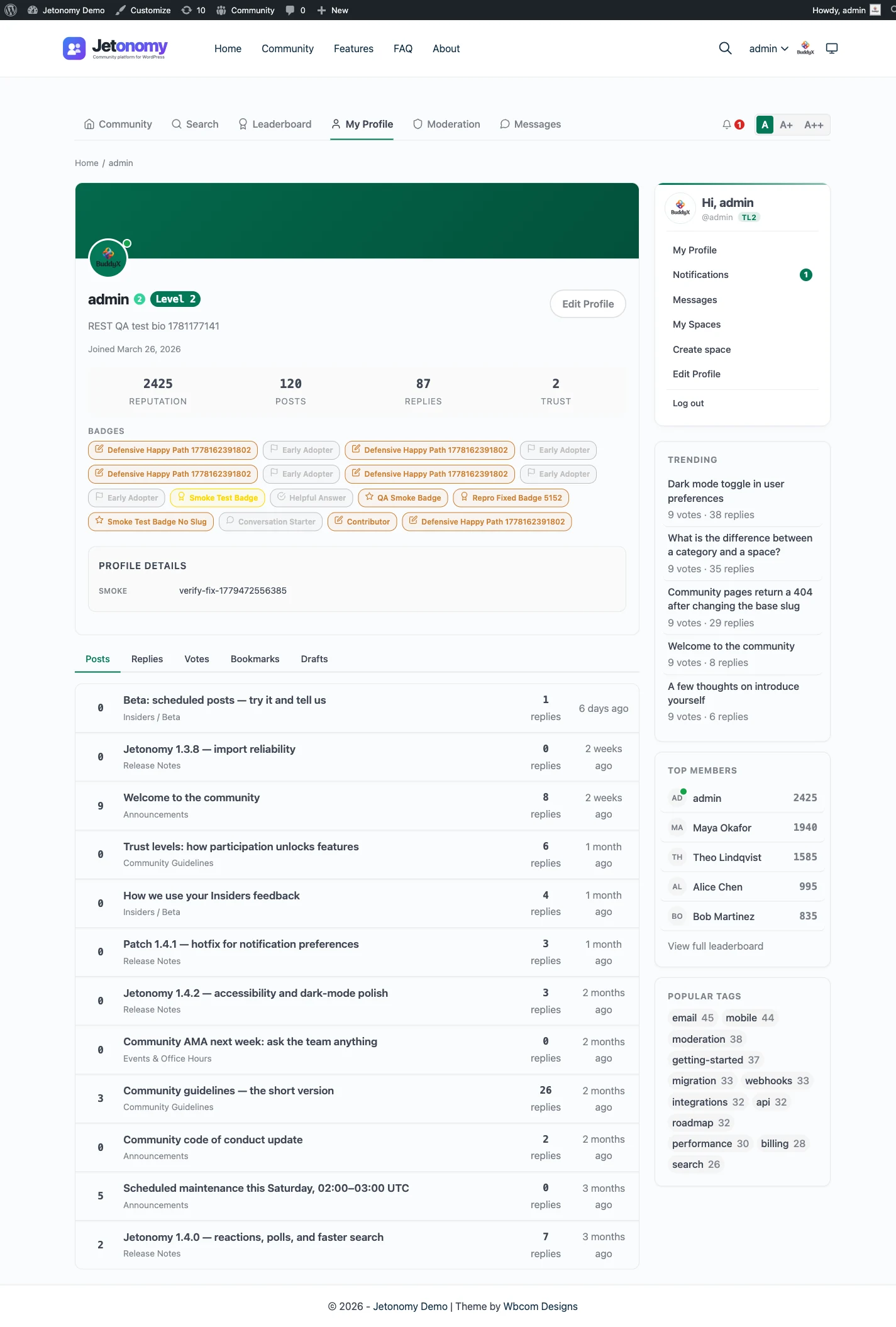
Jetonomy removes the seam by being a plugin. Members are WordPress users, so there is one login. The forum picks up your theme’s brand colour. Spaces can be public, private or hidden, and the membership plugins you already use can gate them. See spaces and categories for how a space is set up.
Setting it up beside your site, step by step
The point of a plugin is that setup looks like any other WordPress task. This is the order most owners follow, with free and Pro marked.
- Install and activate Jetonomy from the plugins screen. This is free.
- Run the short setup wizard. It asks for the community address and a default community type, then helps you create your first space.
- Create the spaces you need and file them under categories. Rename the built-in terms if your members say something other than topic or space.
- Set who can see what: public, private or hidden spaces, with join by approval or invite link.
- If any space is for paying members, connect MemberPress or Paid Memberships Pro. Both are free. Other membership plugins need a Pro adapter.
- Add Pro only when a job needs it, such as private messaging, reactions or analytics. One licence covers every extension.
A normal week of running it
The weekly job is small and happens mostly on the front end. You clear the moderation queue, look at what has been flagged, and reply to anything that needs a staff answer. In a Q&A space you check which questions are still open.
Updates arrive with the rest of your plugin updates. Run them on a staging copy first if the community is busy, and keep a recent backup, since the data sits in the same database as the rest of the site.
The weekly moderation workflow lays out a routine you can repeat each week. As members earn trust the queue shrinks, so the job tends to get lighter with time rather than heavier.
What it costs to run each
Running phpBB means running a second application. That is a database to create and back up, a PHP version to keep compatible, security patches to apply on its own schedule, and extensions to update by hand. None of that is hard for someone who does it every week. It is a recurring chore for someone who does not.
A forum plugin costs less in skills because it lives where the rest of the site lives. It updates beside your other plugins, and its data sits in the WordPress database you already back up. The load is on your WordPress hosting, though, so a very busy forum may push you to better hosting than a small plan.
On money: the Jetonomy core plugin is free, and Pro starts at $69 a year for one site. Pricing for the phpBB side is for you to check, and the software itself is free to download. Hosting, backups and your time are the real costs on both sides. The pricing page lists the tiers.
Moving over: there is no importer
Jetonomy imports from bbPress, wpForo and Asgaros Forum. It has no importer for phpBB, and this page is not going to pretend otherwise. The migration and import page lists what exists.
Your realistic options
- Rebuild by hand. Create spaces for your main forums and carry across the best threads, the ones people actually search for.
- Start fresh and link back. Keep the old board read-only for a while, and point people at the new forum.
- Commission a script. A developer can build an import against the REST API or WP-CLI, and the hooks give them the places to attach. It is custom work, not a built-in feature.
Plan for these either way
- Members need WordPress accounts, and password hashes should not be assumed to carry over.
- Redirects are yours to create. Jetonomy does not make them for any source.
- Run any import script on a staging copy first. The migration guide covers the general approach.
A staging checklist for a manual move
Because nothing is imported, the work is mostly decisions. Make them on paper before touching the live site.
- List the boards on the old forum and mark which ones still get traffic. The busy ones become spaces; the rest can stay in an archive.
- Choose a space type for each, and treat question-heavy boards as Q&A.
- Get a member list from whoever runs the old board’s database, and decide how people will get WordPress accounts.
- Pick the threads worth carrying over and copy them in by hand, or ask a developer to script it.
- Keep the old board read-only, with a notice that points to the new address.
- Build your redirect map last, using the old addresses that search engines already know.
A script needs a way in, and there are two. The REST API covers the whole product, and WP-CLI has commands for spaces, posts and replies. Either is custom work that a developer writes and tests on staging.
What Jetonomy does not do for a phpBB community
It helps to know the gaps before you plan the move.
- There is no phpBB importer, and no built-in way to carry over members, passwords or private messages.
- There are no redirects from old board addresses, whatever the source.
- There is no live chat, voice or video.
- Pro features such as messaging, polls, reactions and analytics need a licence.
- Access is decided by space visibility, join policy, space roles and trust level. Compare that to how finely your board gates access today, and list anything it does not cover.
Not every board needs more than that. A community that mostly reads and answers questions will find the core plugin complete.
Where your data lives, and who can ask for it
Topics, replies, votes and profiles are stored in Jetonomy’s own tables inside your WordPress database, on the host you chose. Members are ordinary WordPress users, so a personal data request is handled with the export and erase tools WordPress already provides. Members can also delete their own account and data.
With a separate board, that same request means a second system to search. One database and one user list is less to explain to a member, and less to get wrong.
Who does what after the move
On a separate board, the board’s staff and your site’s staff are two lists. In Jetonomy they come from one place.
- Site administrators run settings, spaces and Pro extensions.
- A space can have its own moderators, so a topic expert can look after one area without touching the rest.
- Members earn trust levels, and the top two are granted by an admin.
- Ban and silence are separate tools, since a member can be muted without losing their login.
Because everyone is already a WordPress user, adding a moderator is a role decision rather than a new account.
Putting community pieces on ordinary pages
A second application cannot appear inside your pages. A plugin can. Jetonomy provides 8 blocks and 8 shortcodes, so a page can show a space, a list of recent questions or a leaderboard next to normal content. A landing page can end with the latest discussions, and a product page can point at its own support space.
That is the practical meaning of one site. Visitors do not leave your design to find the forum, and your pages do not need a bridge to show what the forum holds. The developer platform page lists the blocks and shortcodes.
Telling members about the move
People accept a change when they understand it. Put a clear notice on the old board, with the new address and the reason for the move. On the new site, Pro site announcements can show a banner to every member on arrival.
Explain that members now sign in with their WordPress account, and give them one place to ask for help. Most questions in the first week are about the login.
One login, several plugins
Jetonomy belongs to a family of separate, optional plugins from one team. They share one WordPress site and one login, and each is installed, hosted and updated on its own. A hosted product would bundle the same things into one bill; here you manage the pieces yourself.
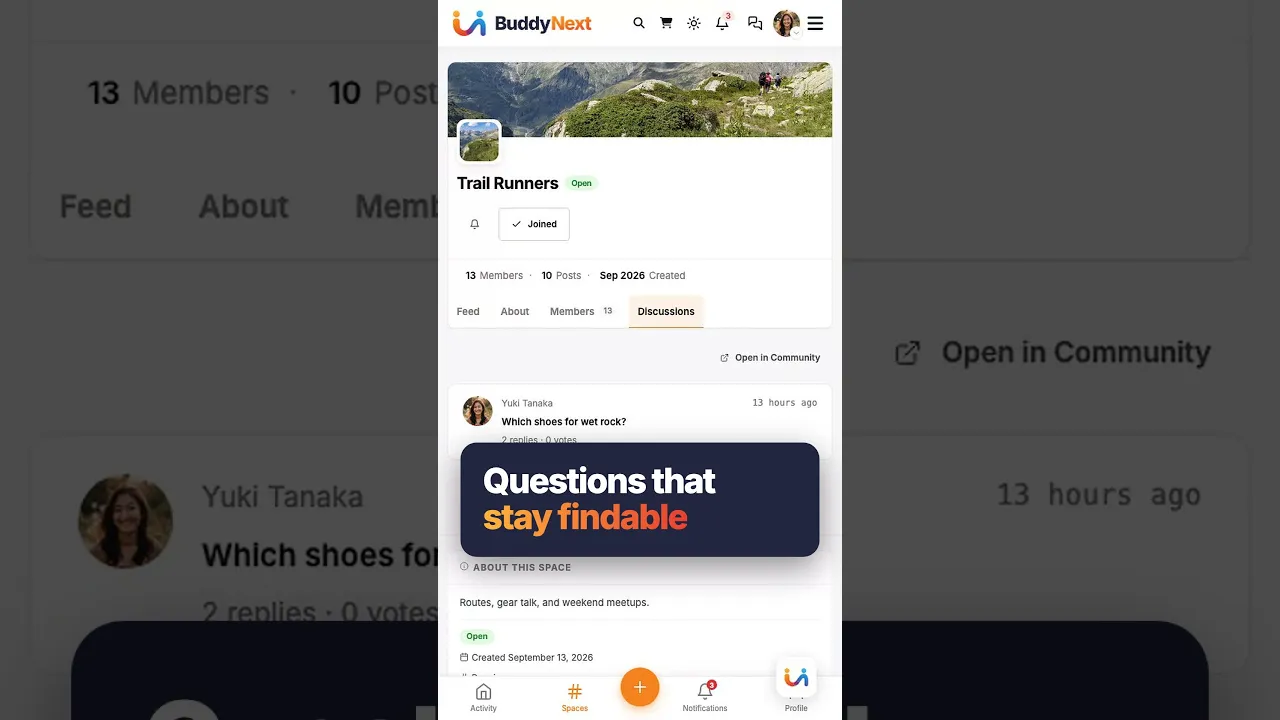
BuddyNext is the social layer: profiles, an activity feed and groups. With both active, the forum adopts BuddyNext’s look and BuddyNext owns the page header and navigation, with nothing to configure. BuddyNext owns messaging on such a site, so do not promise Jetonomy messaging there. See the BuddyNext partner page.
Learnomy is the LMS plugin. With Jetonomy Pro, a space can be gated by a Learnomy course or membership plan, enrolment adds the member, expiry removes them, and their posts stay. See the Learnomy partner page.
The same team also makes WP Career Board for jobs, Listora for a directory, Eventonomy for events with RSVP and capacity, WPMediaVerse for member media and WB Gamification for points and badges. They run on the same site, each installed and updated separately. BuddyX Pro and Reign are themes from the team, and Jetonomy adopts the active theme’s brand colour.
None of these is required, and the forum stands on its own. You add a piece only when a job calls for it. The price of that choice is housekeeping: you install, host and update each plugin yourself, where a hosted platform would bundle everything behind one subscription and one support desk. For a team already running WordPress, that is familiar work.
Other alternatives worth a look
- SMF is the nearest relative of phpBB, and it wins if you want a different standalone board with its own add-on scene.
- XenForo wins when the forum is a serious product and you will pay for a polished standalone application.
- Discourse wins if you want a modern standalone forum and have the hosting for it.
- bbPress wins as the lightest free forum on WordPress, with an importer that has dry-run support in Jetonomy.
- wpForo wins if you want a configurable classic forum inside WordPress.
- Keeping phpBB wins if you have years of history, a mature extension list and no WordPress site to join it to.
The comparison hub has the rest.
Who should stay with phpBB
Stay if your forum is your site. If members arrive for the board and never touch a WordPress page, the single-login argument does not apply to you, and a mature standalone application is a sound choice.
Stay if you rely on specific extensions or a custom style that took time to tune, since none of it moves. Stay if the community’s habits are tied to the classic board layout, because a new layout means relearning for every regular.
If instead your forum is an add-on to a site you already run, look at the WordPress forum plugin page and see how it fits.