

What Flarum is, and who it suits
Flarum is open-source forum software that you install as its own application. It has a clean, modern interface and an extension system, and it keeps its own member accounts. Check the vendor’s site for the current requirements and extension list, because those change.
It suits a community that wants a home of its own. A hobby group, a project’s user base or a club with no WordPress site behind it can run Flarum on its own server and never think about WordPress at all.
That is a fair and common setup. The question for this page is narrower: what happens when the forum is supposed to sit next to a WordPress site.
The real difference: a clean app beside your site, or a forum inside it
A standalone forum is clean precisely because it is separate. It brings its own users, its own look and its own update routine. On a WordPress site, that cleanliness turns into duplication.
You end up with two sets of members. Someone who bought a course on your WordPress site has to register again on the forum, or you build a sign-in bridge and keep it working. The forum also has its own styling, so it never quite matches the pages around it.
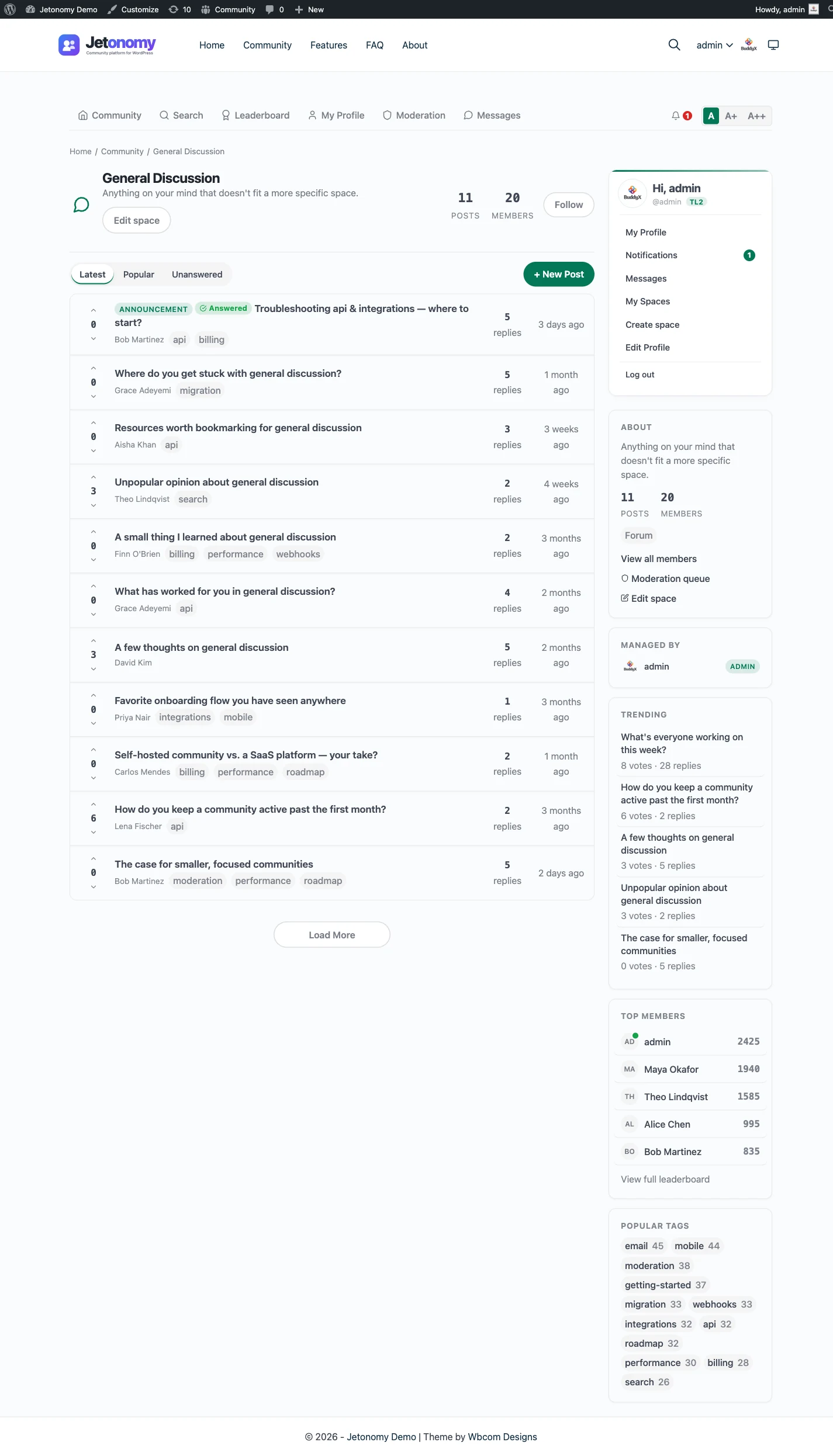
Jetonomy removes the seam by being part of the site. Members are ordinary WordPress users, the forum adopts your theme’s brand colour, and the page lives on your domain next to the rest of your content. Nothing needs bridging because nothing is separate.
What it costs you to run each
Flarum is a PHP application with its own database and its own extensions. You host it, you install it, and you update it, extension by extension, alongside whatever you already maintain. Anyone comfortable with that gets a lean forum. Anyone who is not will feel it the first time an update does not apply cleanly, or an extension falls behind the core version.
Jetonomy runs on the WordPress host you already pay for. Its data lives in its own indexed tables in your WordPress database, not in the posts table, and it uses Redis or Memcached when your host provides one. The core plugin is free, and Pro starts at $69 a year for one site.
The honest trade is skills versus surface area. Flarum asks you to run one more thing. Jetonomy asks you to run a plugin. If your team already updates WordPress weekly, the plugin is the smaller ask.
Setting it up, from install to first real use
This is the shortest path from an empty plugin to a forum people use. Each step is free unless it says Pro.
- Install Jetonomy and run the setup wizard. It asks for a community address and a default community type, then creates your first space.
- Add categories and spaces, and pick a type for each. A support area works well as Q&A, a feedback area as Ideas.
- Connect MemberPress or Paid Memberships Pro if any space is for paying members.
- Check the look on your theme at phone width, since the forum follows your theme colour.
- Invite a small group, watch how they use it and adjust the structure.
- Add Pro for the pieces you need, such as reactions or an email digest.
One licence, many extensions
Pro is a single licence that switches on every extension. Tiers differ by the number of sites, not by feature, so you never pay for one extension and find another locked.
The extensions cover private messaging, reactions, polls, site announcements, attachment uploads, custom fields, custom badges, analytics, AI moderation, advanced moderation rules, anonymous posting, an email digest, web push, reply by email, webhooks, white label and SEO Pro. If the licence lapses, the extensions switch off after 30 days while the free plugin and your data keep working. See the pricing page for the tiers.
Memberships and access
This is where the shared login earns its keep. If part of your forum is for paying members, the membership plugin that guards your pages can guard your spaces too.
- Free includes gating for MemberPress and Paid Memberships Pro, so a basic paid-members forum needs no extra purchase.
- Pro adds more adapters, including WooCommerce, Restrict Content Pro, LearnDash and Tutor LMS.
- Spaces can be public, private or hidden, with joining by approval or invite link. Pro licences are listed on the partners pages.
With a separate forum app, the same result needs custom code between the two systems. It can be done. It is just work that never ends, because both sides keep changing. The membership and monetization page shows how the gating behaves.
Moving over, and what does not come with you
No importer exists for Flarum. Jetonomy imports from bbPress, wpForo and Asgaros Forum only, and moving from anything else is a manual rebuild or a custom script. A developer can write that script against the REST API or WP-CLI, but it is not a built-in feature.
If you do move, plan it like a small project:
- Decide which discussions are worth keeping. Many forums carry years of threads nobody reads.
- Rebuild your categories as spaces and pick a type for each: Forum, Q&A or Ideas.
- Invite members to create or link a WordPress account, since passwords and profiles do not transfer.
- Keep the old forum online and read-only for a while, and point to it from the new one.
- Do not expect redirects, tags, subscriptions or reputation to come across, because none of them are imported.
The migration guide covers the general approach, and the forum, Q&A and ideas guide helps with choosing space types.
For the developer on your team
If you chose a standalone app partly for its extension system, you will want to know what a plugin offers instead. The whole product can be driven over a REST API, and WP-CLI has commands for the main objects. Hooks and filters let you change behaviour without editing the plugin, and templates can be overridden from your theme.
There are 8 blocks and 8 shortcodes for placing community pieces on ordinary pages. Pro webhooks send events to other systems, with 13 events and no automatic retries, so build your receiver to cope with a missed call. The developer platform page lists the surface in full.
What Jetonomy does not do for a Flarum community
A few gaps are worth stating up front.
- There is no Flarum importer. A move is a rebuild or a script.
- Flarum extensions do not carry over.
- Members, passwords, tags, subscriptions and reputation are not transferred.
- No redirects are created from old addresses.
- There is no live chat, voice or video.
For most communities that is acceptable. Check each extension you rely on against a setting, a Pro extension or a small piece of code, and drop the ones that nobody uses.
A first thirty days checklist
The first month decides whether the new forum feels alive. Keep the plan small and visible.
- Week one: soft launch to your most active members, and watch the moderation queue each day.
- Week two: fix the structure from what people actually did, and merge spaces that stay empty.
- Week three: switch on one Pro extension that solves a real complaint.
- Week four: read your analytics or your queue history, then announce the forum more widely.
The guide to adding a forum to WordPress and the weekly moderation workflow help with the routine.
Your data
Everything sits in Jetonomy’s tables inside your WordPress database, and WordPress’s export and erase tools handle personal data requests. Members can delete their own account and data.
Phones, search and discovery
A plugin has to work on a phone, and Jetonomy is built that way. The reading layout adapts to small screens and follows your theme colours. Pro adds a native iOS app, covered on the mobile app page.
Public spaces are ordinary crawlable pages on your domain, with structured data for questions and answers, discussion posts, people and breadcrumbs. Each public space has its own RSS feed. SEO Pro, which needs a licence, adds per-space overrides.
That matters if the forum is meant to bring search traffic to your WordPress site. A separate application can do the same, but it needs its own sitemap and its own settings. Here, discoverability follows from the pages being part of your site.
Mapping tags and categories onto spaces
Some standalone forums organise by tags rather than fixed boards. Jetonomy is organised by spaces inside categories, and it has tags as well, but the space is the main unit. So the first job in a move is to decide what the space structure should be.
Look at your most used tags and ask which deserve their own space and which can become tags inside a larger one. Fewer, clearer spaces make a new forum easier to read. Spaces can nest, so a big topic can have sub-areas without cluttering the front page. The spaces and categories page shows the options.
The wider family on one WordPress site
Jetonomy sits in a family of separate, optional plugins from the same team. They share one WordPress site and one login, and you install only what you need. None is required, and each is updated on its own, so a forum-only site stays a forum-only site.
BuddyNext is the social layer, with profiles, an activity feed and groups. With both active, the forum adopts BuddyNext’s look and BuddyNext owns the page header and navigation, with nothing to configure. On a BuddyNext site, BuddyNext also owns messaging, so the forum does not offer a second inbox. The BuddyNext page has the detail, and it suits a community that wants member profiles and a feed around the discussions.
Learnomy is the LMS plugin. With Jetonomy Pro, a space can be gated by a Learnomy course or membership plan. Enrolling adds the member, expiry removes them, and their posts stay. That is handy for course communities, where the right to post should follow the right to learn. See the Learnomy page.
Other pieces run on the same kind of site: WP Career Board for a job board, Listora for a directory, Eventonomy for events with RSVP and capacity, WPMediaVerse for member media and WB Gamification for points and badges. BuddyX Pro and Reign are themes from the same team, and Jetonomy adopts the active theme’s brand colour and its templates can be overridden from a theme.
The trade is worth stating plainly. A hosted suite bundles all of this into one bill. Here these are separate plugins that you install, host and update yourself, in exchange for owning every piece.
Other Flarum alternatives worth a look
Flarum sits in a crowded field. Here is where each neighbour tends to win:
- Discourse is the stronger pick for a very large standalone public forum with a team to run it.
- NodeBB is worth a look if you want real-time features and are happy running Node.js.
- XenForo is a commercial PHP forum that suits a community with its own identity and a budget.
- phpBB is the long-standing free option for a classic board.
- bbPress is the lightest forum that lives inside WordPress, if you only need plain threads.
- Circle is a hosted platform for people who want someone else to run it.
Each of those beats Jetonomy in some situation. Jetonomy is the one to pick when WordPress is already the centre of the project.
Who should stay with Flarum
Stay if the forum has no WordPress site to share anything with. Stay if you like running the application and tuning its extensions, or if the community’s separate identity is part of its charm.
Stay, too, if the forum is already busy and happy. A working community is worth more than a tidier architecture, and moving always costs you some members who never come back.
If you are unsure, the comparison hub lays the options side by side. A good test is to ask who will update the forum in a year, and whether that person already looks after WordPress.