

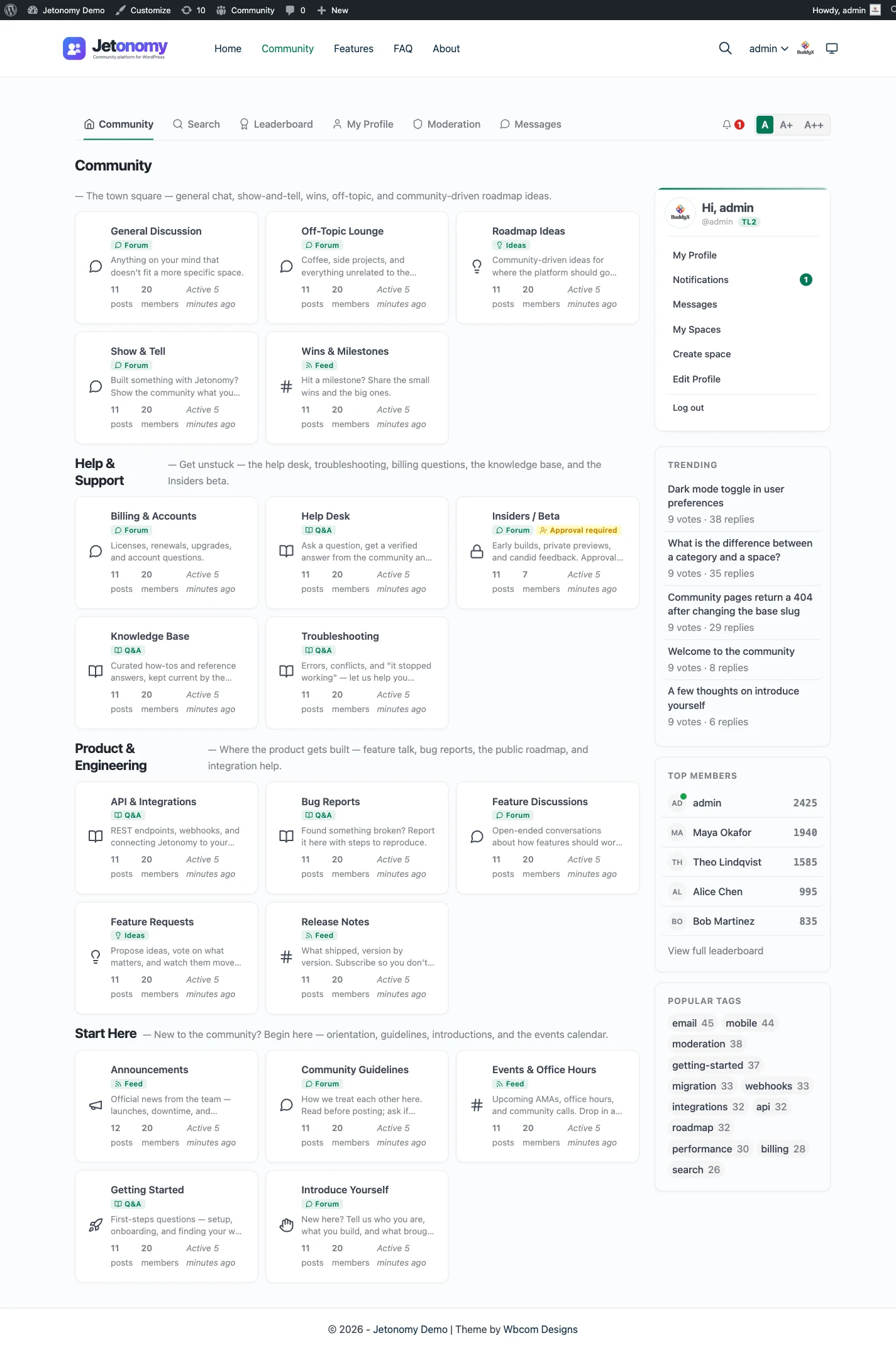
Start with the honest part, because it decides how you plan the rest. Jetonomy does not have a Discourse importer. It imports from bbPress, wpForo and Asgaros, and that is the full list. Those three live inside WordPress and store their data in WordPress tables, which is what makes a one-click import possible. Discourse is a separate application with its own database, so a move off it is a rebuild with some data carried across, not a button.
That is not a reason to give up on the idea. Plenty of communities have moved from a standalone forum to one on their own site, and the work is well understood. This guide walks through it: what Discourse will let you take, what you can and cannot bring, a rebuild plan in order, and the cases where the right answer is to stay where you are.
If you have not decided yet whether to move, read the Jetonomy and Discourse comparison first. It covers where each one is stronger, including the places Discourse wins.
First, decide what “without losing data” means to you
People ask this question with different things in mind, and the answer changes with each. Write down which of these you actually need, because they cost very different amounts of work.
The member list. Names, usernames and emails, so you can invite people to the new place. This is the easy one, and it is the most valuable.
The content archive. Years of topics and replies, kept readable. This one is about searchability and goodwill: people link to old answers.
The content, live. Old topics sit inside the new community as if they had always been there, with authors, dates and replies in order. This is the expensive one, and for most communities it is not worth the cost.
The structure. Categories, groups and permissions, so the new place is organised the way the old one was.
The settings and extras. Badges, trust levels, tags, polls, solved status and plugins. Mostly these do not travel, though some have a counterpart.
The search rankings. Traffic that arrives from Google to your old topic URLs.
Most owners end up with this answer: keep the member list, keep the archive readable, rebuild the structure, and let the live history stay in the archive. That plan loses very little that members care about and costs a fraction of a full migration. We build the rest of the guide around it, and mark the places where you can go further.
What Discourse lets you export
Discourse’s own documentation is the authority here, and it changes between versions, so open your Admin area and check what you see. These are the options that exist as of October 2026, according to the Discourse Meta documentation.
User list as a CSV. An admin goes to the Users page and uses the Export button. The file is sent to you as a personal message with a download link, and the link expires after 48 hours. The export follows the filter you have active, so filtering by trust level exports only those users. The columns include id, name, username, email, title, created and last-seen dates, trust level, and admin and moderator flags, plus activity stats. Source: Exporting users to a CSV file on Discourse Meta, read in October 2026.
Each member’s own data. Any member can request a copy of their own data from the Export section of their preferences, and the posts arrive as a CSV inside an archive. This is aimed at individuals, not at you moving a whole forum, but it matters for fairness: your members can take their own words with them. See Tips for exporting user data on Discourse Meta.
Custom queries with Data Explorer. If the Data Explorer plugin is installed, an admin can write SQL queries and export the results. This is the realistic route to a CSV of topics and posts: category, title, author, date, body. It needs someone comfortable with SQL, and on a hosted plan the plugin may not be available to you, so check with the host. The same Discourse Meta page describes the approach.
A full backup. Admins create one from Admin, Backups, and choose whether to include uploads: with uploads it is a .tar.gz archive, without them a database-only .sql.gz. On a site Discourse hosts for you, the database-only backup is self-serve, but a full backup with uploads is requested through their support, so ask early. It is meant for restoring a Discourse site, so it is a good safety copy and a poor source of tidy spreadsheets. To read it you would restore the dump into a PostgreSQL database and query the tables. Take one before you do anything else, whatever route you choose.
The API. Discourse has a REST API that returns topics and posts as JSON. A developer can page through categories and write the content out to files. It is the cleanest way to get topics without SQL, and it works for self-hosted and hosted sites alike if you have an admin API key.
What carries over and what does not
Here is the sorting exercise. Put each item in one of three piles.
Carries over with some effort
- Members. Your CSV gives you emails and usernames. WordPress users can be created from a list by a user-import plugin or a short WP-CLI script, with their username kept. Because Jetonomy members are ordinary WordPress users, once the accounts exist, the community can use them. You will also be able to do things a standalone forum makes awkward, such as gating spaces by a membership level on the same site.
- Topics and replies, as text. Through the API or a Data Explorer query you can export content. You can then recreate it in Jetonomy by script through its REST API, or paste the most important threads in by hand.
- Categories. They map to Jetonomy spaces and categories, built by hand in a few minutes. See Spaces and categories.
- Solved topics. Discourse marks a reply as the solution. Jetonomy’s Q&A spaces have accepted answers, so a space of resolved questions fits there. See Q&A with accepted answers.
Does not carry over
- Passwords. Discourse stores hashed passwords in its own way. Members set a new one on the new site, or sign in through your existing login.
- Likes, notifications, read state, drafts and bookmarks. These are per-user states that no importer here would reproduce. Members start fresh.
- Trust levels. Jetonomy has its own trust levels, earned by activity. A member who was level 3 on Discourse begins again on the new site, though you can promote known regulars to moderator roles by hand.
- Plugins and theme components. Anything you installed on Discourse needs a counterpart, or you do without.
- Real-time behaviour. Discourse shows new replies and notifications as they arrive. Jetonomy does not do this, and you should know it before you move. The comparison page says the same.
- Chat. If your members use Discourse chat, Jetonomy has no chat equivalent. Direct messages exist in Pro, but chat as a channel-based room does not.
- Uploaded images and files. They live in Discourse’s upload storage and are referenced by URL in post bodies. If you recreate content by script, you must also download and re-upload files, or the images break when you retire the old server.
You choose
- The archive. Keep the old forum online and read-only, or export it to static pages, or let it go. We cover the options below.
- Old URLs. A redirect plan, if you control the server.
The rebuild plan, in order
This is the sequence that keeps risk low. Each step has a reason for being where it is.
Step 1: Take a full backup and freeze your options
Create a Discourse backup from the Admin area and download it. Store it somewhere that is not the server it came from. Also export the user CSV today, because that link expires and your member list changes. Write down your category list, your trust-level settings, any custom badges and the plugins in use. This inventory is what you will rebuild against.
You will not use most of this immediately. You are doing it now so that a decision to stop halfway leaves you with everything you started with.
Step 2: Choose a clean test environment
Do the new build on a staging copy of your WordPress site, not on the live one. Nothing about the old forum has to change while you build. You are free to try it, break it and start over. If you do not have a WordPress site yet, the guide to adding a forum to WordPress covers a fresh setup from nothing.
Step 3: Map your categories to spaces
In Jetonomy, content lives in spaces, and each space has a type: forum, Q&A, ideas or a Show & Tell feed. Look at each Discourse category and ask what job it does.
- A general discussion category becomes a forum space.
- A support or “how do I” category becomes a Q&A space, where one answer is marked as accepted.
- A feature-request category becomes an ideas space with status badges.
- A category with a lot of subtopics can become a space with categories inside it.
Forum, Q&A or ideas board helps with the choices. Do not copy your structure one-to-one out of habit. A move is the cheapest moment you will ever have to remove the categories nobody uses and merge the ones that overlap.
Set visibility and join policy as you go. Public, private and hidden spaces cover most of what Discourse’s category permissions did, and access rules can tie a space to a membership level if you charge.
Step 4: Create the member accounts
Take your CSV and decide how to create the accounts.
If your members can reasonably sign up themselves, the lowest-risk route is to leave the accounts alone and send an invitation. They register on your site, and the community picks them up. You lose nothing, and you avoid mailing people who never agreed to be on a new site.
If you want accounts waiting for them, import the CSV into WordPress with a user-import tool, keep usernames identical so that mentions and recognition still make sense, and send a “set your password” email. Test this on staging with a few real addresses first. Mass email from a new site can land in spam, so use a proper mail service and send in batches.
Be careful with consent. Moving a member’s email from one system to another that they have not heard of can break your privacy promises. Say what you are doing in the announcement and give an opt-out.
Step 5: Bring across the content that matters
Decide your scope now, with real numbers from your export.
Option 1: the best threads only. Pick the fifty or a hundred topics that get the most traffic or links, and recreate them as posts in the right spaces, crediting the original author in the text. Manual, slow and sensible for most communities.
Option 2: scripted import. A developer exports topics through the Discourse API, then creates posts and replies through the Jetonomy REST API. Authors can map to the WordPress users you created in step 4, and dates can be set by the script. This is custom work, and you need to test it on staging, because nothing in Jetonomy is built to receive a Discourse export. Expect to handle line breaks, quotes, mentions, images and links in the post bodies, which Discourse stores as its own markdown flavour.
Option 3: no import. Start with an empty community, leave the history in the archive and link to it.
For a community under a few thousand topics, option 1 plus option 3 for the rest is a good balance. Reach for option 2 only when the history is the product, such as a support forum whose old answers still drive signups.
Step 6: Keep the old forum as a read-only archive
This is the step that protects your members and your search traffic. When you go live, do not shut Discourse off. Turn it read-only, put a banner at the top pointing to the new community and leave it running for a few months at least.
Why it works: nothing is lost, old links keep resolving, and search engines keep seeing real pages while the new site builds its own. If hosting the old forum costs more than you want to pay, a static export of the most visited topics is a cheaper archive, and so is leaving it on a small plan.
On a hosted Discourse plan, check what read-only options your plan gives you, and what happens to the site if you stop paying. That affects how long the archive can live.
Step 7: Redirect old URLs, if you control the server
If you self-host Discourse, you can map old topic URLs to the new pages. Build a list: old URL, new URL. Put the rules in your web server configuration, using permanent redirects. Pages without an equivalent should point to the closest space, not to the homepage, because a redirect to something unrelated is treated like a missing page.
If you cannot control the server, such as on a hosted plan, skip this step and rely on the archive. Submit the new site’s sitemap to the search engines, and where you own other sites that linked to old topics, update them.
Step 8: Soft launch with a small group
Invite your most active members, around fifty if you have them, a week before everyone else. Ask them to break things. Watch which questions they ask, because the same questions will come from everyone later. Moderators should be in this group, so they can set up reports, anti-spam rules and whatever habits they will need.
Step 9: Announce, and keep announcing
Tell everyone: what is changing, why, the date, what carries over, what does not and where the archive lives. Post it in Discourse, email the list and pin it. Then post again a week before the switch and on the day. People miss the first message.
On the day, close new topics in Discourse, post the link and watch. Answer questions fast for the first week. Early momentum matters more than polish.
Step 10: Measure, then retire the old one
After a month, look at who joined, who posted and how many came back. If the new community is healthy, plan the end of the old one: keep the static archive and shut the application, or leave it read-only another quarter. Do not retire it on a date you picked before you had data.
What you gain and what you give up
Be clear-eyed about the trade, because the move has a cost whichever way it goes.
What you gain. One login, since members are WordPress users. One stack, since there is no second server to run and update. Your theme, since the forum reads your site’s design tokens. A single bill, a single place for membership gating and for your store, and your content in your own database. The cost model shows how that plays out over three years.
What you give up. The Discourse plugin ecosystem, which is broad and mature. Real-time updates. Years of hardening at very large scale. A community platform whose entire job is the forum, maintained by people who do nothing else. Your moderators’ muscle memory. And the history, unless you pay to bring it across.
When staying on Discourse is the better call
We build a WordPress forum, and you should still hear this from us. Stay on Discourse if any of these describe you.
- Your community is a large standalone public forum with no WordPress site attached, and nothing in your business ties it to WordPress.
- You have a team that runs the server well, or you pay a host to do it, and the arrangement works.
- Your members rely on Discourse features that have no equivalent in Jetonomy, such as real-time updates, chat or specific plugins.
- The history is the product, and a scripted import is not in the budget.
- Your community is healthy and the only motive for moving is that a new tool looks good. Moves cost goodwill, and a working community is hard to rebuild.
Move if the other side is true: your community belongs next to a WordPress site, you are paying for and maintaining a second stack to get it, and your members would be better served by one login and one place. For a community in that second group, the effort is real but bounded, and you will have a clear sense of the work after the inventory in step 1.
A small worked example
Say you run a plugin company. Your support forum lives on a hosted Discourse site with eight categories, a few thousand topics and a few thousand members. Your store, docs and account area are WordPress, and customers have a login there and another one on Discourse.
You export the user CSV and a backup, and list the categories. Three of them are real: general help, bug reports and feature requests. Five are mostly empty.
You build three spaces on staging: a Q&A space for help, a forum space for bug reports and an ideas space for feature requests. Customers are already WordPress users, so the account side is done. You gate a “customers only” space with a membership level for licence holders.
You recreate about eighty of the most visited help topics by script through the API, crediting authors in the text. You leave everything else in the archive. You set Discourse to read-only, with a banner linking to the new community. You invite the fifty most active customers, fix what they find, and announce to everyone two weeks later.
Total scope: a few days of building and a developer’s afternoon for the script. What you did not do was move seven years of history, and no customer complained, because the answers they search for are in the eighty topics. That is a normal outcome, and it is a good one.
A short checklist
- Backup downloaded and stored off the server
- User CSV exported, and the link used before it expires
- Category list and plugin list written down
- Scope chosen: member list, archive, best threads or scripted history
- Staging site ready, spaces mapped, access rules set
- Accounts created or invitations drafted, with consent covered
- Archive plan: read-only banner, hosting kept, redirect list if self-hosted
- Soft launch group invited, moderators ready
- Announcement written, with dates
- Retirement date set only after a month of data