

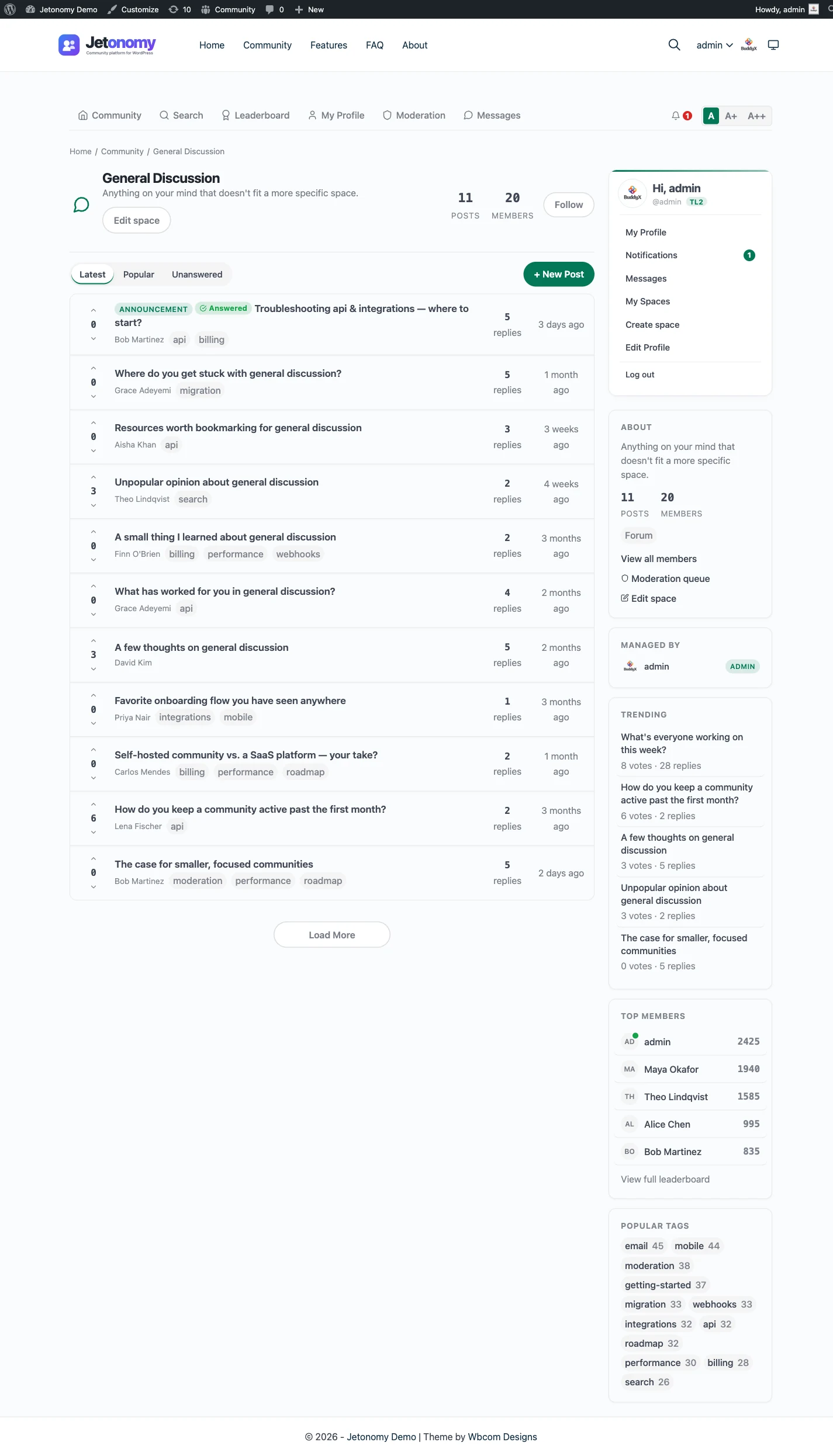
Categories group, spaces hold the conversation
Think of categories as the sections on your community home and spaces as the rooms inside them. A category like Support, Community, or Product groups the related spaces members care about. Each space is where the actual posting happens.
Because every space belongs to a category, the natural setup order is categories first, then spaces. A space without a category simply does not show up in navigation, which keeps your home page intentional rather than cluttered. Categories support nesting two levels deep, so a large community can stay organized without turning into an endless list.
Icons and colors do the quiet work of wayfinding. Pick a Lucide icon and a color for each category and space, and members scan the navigation instead of reading every label.
Each space sets its own rules
A space is not just a folder. It carries its own type, its own members, and its own access rules. Set the type to Forum, Q&A, Ideas, or Feed and the posting experience changes to match. Set visibility to public, private, or hidden, and set a join policy of open, approval required, or invite only.
That independence is the point. A public Q&A space can sit right next to a private members-only discussion and an invite-only beta space, each with the right audience, all under one community. A category being public never forces the spaces inside it open, so you stay in control space by space.
Let the right people build it
You do not have to be the only one creating spaces. Front-end space creation lets you grant chosen roles the ability to add and configure spaces from /community/new-space/, with the same fields as the admin screen. Space owners and team leads set up their own rooms, and you never hand out wp-admin access to do it.