

What Slack is, and who it suits
Slack is a hosted messaging platform built around channels. Teams use it for daily work, and many companies also open a channel or a workspace to customers, partners and members. Check the vendor’s site for the current plans and features.
It suits groups that talk often and need answers fast. A support question in a shared channel gets a reply in minutes, from someone who is already there.
That speed is the whole appeal. It is also where the trouble starts for a community that has to keep what it learns.
The real difference: a stream or a library
A channel is a stream. Messages arrive, get buried and scroll away. Threads inside a channel help a little, but the answer to last month’s question is still somewhere in a long scroll, and a newcomer cannot tell which message was the one that worked.
A forum is a library. Each question is a page with a title. Replies sit beneath it, and in a Q&A space one reply is marked as the accepted answer. The question stays where it was filed, and the next person finds it through search rather than by asking again.
Work and customer communities need this more than most. People ask the same operational questions again and again, and every repeat costs someone’s time.
Signs you have outgrown a channel
- Someone answers the same question for the third time this month.
- New joiners ask in chat because they cannot find the old answer.
- A decision was made in a thread and nobody can point to it.
- Customers outside your workspace cannot see any of it.
What Jetonomy gives a work or customer community
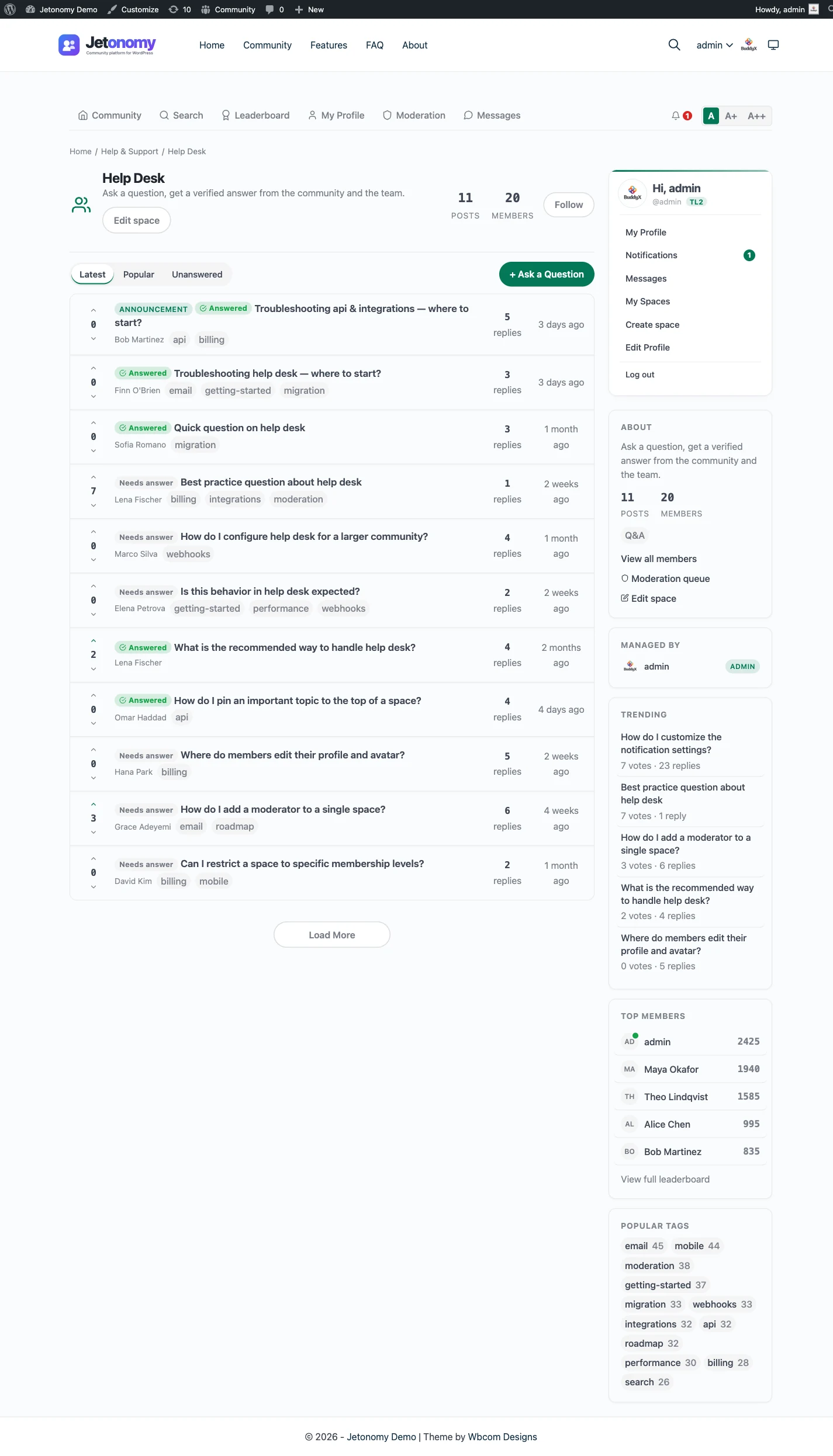
Jetonomy has four space types: Forum, Q&A, Ideas and Show & Tell. For this audience, Q&A and Ideas do most of the work. The Q&A and accepted answers page shows the flow, and the ideas and roadmap page covers voting and status.
Moderation is built in. Members flag a post, moderators clear a queue, and per-space moderators can look after one area each. Trust levels from 0 to 5 start new accounts with tighter limits that loosen as they build a history. A person still needs to check the queue regularly.
Search is MySQL full-text and runs on your own database. It is not a separate search service.
How a week looks with both
Slack carries the day-to-day. The forum carries what should still be useful next quarter. The link between them is a habit, not a feature.
When a question in Slack gets a good answer, one person copies it into a Q&A thread and posts the link back. When the same question returns, the reply is the link. Once a week, a moderator clears the forum queue and checks which threads were opened. After a few months the channel has fewer repeats, and the forum has a body of marked answers.
If the forum is for customers, keep the staff-only chatter in Slack and the public answers in the forum. That split is easier to keep than to repair later.
Running both without the mess
You do not have to choose. The common pattern is a chat room for the live conversation and a forum for the record. When a chat answer is worth keeping, someone starts a thread and drops the link back in the channel.
Jetonomy Pro has webhooks for 13 community events. A developer or an automation tool can point them at a Slack channel, so a new question or reply shows up where your team already looks. That is the only connection to Slack. There is no bridge and no bot, and a webhook does not retry if delivery fails.
Treat that as a nudge into the channel, not a sync. The forum remains the source of truth.
What the Slack connection actually does
Jetonomy Pro webhooks fire on 13 community events. You point one at a Slack channel, usually through a small automation or a custom endpoint, and a new question or reply is announced where your team looks.
Know the limits before you rely on it. A webhook does not retry, it times out after 15 seconds, and one that fails five times in a row switches itself off. Treat it as a notice, and keep the forum as the source of truth. The webhooks page lists the events.
Nothing flows the other way. Slack messages do not become forum posts, and Jetonomy has no Slack bot or bridge.
What it costs you to run each
Slack is a subscription, and the vendor does the hosting and updates. Check the vendor’s site for what each plan includes, and for current history limits on the free tier before relying on it as an archive.
Jetonomy costs a WordPress host plus your time. The core plugin is free and Pro starts at $69 a year for one site. Someone must keep WordPress and its plugins updated, watch the moderation queue and take backups. See pricing for the tiers.
If you already run a WordPress site, the added work is small. If you do not, a forum is a real new thing to look after, and you should weigh that honestly.
From install to the first real thread
For a customer or partner community, setup is a plugin install and a few decisions.
- Install and activate the free plugin from the WordPress admin.
- Run the setup wizard: choose the community address and a default type, then create a first space or load sample data.
- Create a Q&A space for support and an Ideas space for requests.
- Choose who can read. Public spaces are open to guests, and private or hidden spaces can be limited to approved members or a paid plan.
- Add the Community link to your menu and your help pages.
- Invite staff first, so questions get answers from day one.
Moving over: what transfers and what does not
No importer exists for Slack. The built-in importers cover bbPress, wpForo and Asgaros only. A chat history also maps poorly onto questions and answers, so a bulk import would not help much even if it existed.
What works better than importing
- Pick the ten questions people ask most and write each up as a Q&A thread.
- Pin a link to the forum in the channel header.
- Invite customers to the site, so they have one WordPress login.
- Keep Slack for urgent talk and tell people where long answers go.
A developer can build a custom script against the REST API or WP-CLI if you truly need old threads moved, but it is not built in. The migration guide covers what the real importers do.
Access, accounts and privacy
Customers sign in with the WordPress account they use on your site, so there is no workspace invite to manage. Access sits on the account: a space can be public, private or hidden, joined by approval or an invite link, or gated by a membership plan.
Posts are stored in your own database. Privacy requests use the WordPress export and erase tools, and a member can delete their own account. That is a useful answer when a customer asks where their questions are kept, and the membership and monetization page covers paid access.
Search and being found
Threads in a public space are ordinary pages on your domain, so a customer can find an answer through a search engine before they ever open a channel. The free plugin writes structured data for them. Whether a page is listed is up to the search engine.
Inside the site, members search with MySQL full-text, which suits a help archive of community size. Private and hidden spaces stay out of reach of guests, so internal threads do not leak.
The first thirty days
- Week one: write up the ten questions your team answers most, as Q&A threads.
- Week one: pin the forum link in the channel header and on your help pages.
- Week two: ask staff to answer in the forum first, then link from Slack.
- Week three: invite a few customers and watch what they ask.
- Week four: count how often a link replaced a typed answer.
- After that: decide which topics the forum owns for good.
The Q&A and accepted answers page shows the flow staff will follow.
What else runs on the same site
A hosted chat tool is one product. A self-hosted community is a set of separate plugins from the same team, on one WordPress site and one login. Each is optional. You install, host and update them yourself, and that is the honest trade for owning them.
Jetonomy is the forum and Q&A plugin. BuddyNext is the social layer, with profiles, an activity feed and groups. With both active, the forum adopts BuddyNext’s look and BuddyNext owns the page header and navigation. See the BuddyNext partner page.
Learnomy is the course plugin. With Jetonomy Pro, a space can be gated by a Learnomy course or membership plan, which suits customer training. See the Learnomy partner page.
The same team also makes WP Career Board for jobs, Listora for directories, Eventonomy for events, WPMediaVerse for member media and WB Gamification for points and badges. Each runs on the same site as its own plugin, set up separately from the forum. The BuddyX Pro and Reign themes come from the same team as well.
Other alternatives worth a look
- Discord is the closer match for open, social, game-style chat, and it wins when voice matters.
- Discourse is a dedicated self-hosted forum app, and it wins if you do not use WordPress.
- Circle is a hosted community with courses and events, and it wins as a turnkey bundle.
- Mighty Networks is a hosted community known for mobile apps, and it wins if an app is central.
- A shared help centre or documentation site wins when answers are written once by staff and members do not need to post.
- A paid chat or support desk tool wins when every question needs a private, tracked reply.
What Jetonomy does not do for a Slack crowd
Slack is more than a forum, and the gaps are plain.
- It has no live chat, calls or huddles.
- It has no Slack bridge, bot or two-way sync.
- It has no importer for Slack history.
- It does not replace a work tool for your own staff.
- Pro webhooks do not retry a failed delivery.
Those gaps are the reason many communities keep both. The support forum journey shows the forum side done well.
Notifications for people outside your workspace
Customers are not in your channels all day, so the forum has to reach them another way. Members get a bell and email for replies to their questions, mentions and accepted answers, and each person controls what they receive.
With Pro, reply by email lets a customer answer from their inbox, and an email digest brings back people who have been away. That is slower than a chat ping, which is the point: the forum is for questions that can wait an hour. Anything that cannot wait stays in your support channel.
Who runs the forum
A channel can be run by whoever happens to be around. A forum does better with a named owner. Pick one person to watch the queue, and give each major space a moderator who knows the subject.
Staff who answer customers should be members of the relevant spaces, with the moderator role where it helps. Trust levels cap what new accounts can do, so you can open the doors without handing the keys to everyone. Check in weekly for the first month and the routine will settle on its own.
Who should stay with Slack
Stay if your group is a working team, the questions are short and urgent, and nobody needs to look anything up from last quarter. Stay if the integrations with your other work tools matter more than a record.
Add a forum when the same questions return, when customers outside your workspace need the answers, or when decisions must be findable. The support forum journey shows how one is set up for that job.