

What Simple:Press is, and who it suits
Simple:Press is a forum plugin for WordPress that has been around for many years. The free core is installed from WordPress.org. On top of it the vendor sells a Pro package, which its own site describes as more than 70 add-ons covering administration, analytics, forum features, file uploads, private messaging, subscriptions and ads for monetised forums.
It suits owners who like to build a forum piece by piece. You start with a forum that already handles nested sub-forums, user groups with permissions, optional post moderation, extended profiles, ranks and badges. Then you add only the add-ons your community needs. It also suits anyone who inherited a Simple:Press forum that runs fine and has no reason to change it.
Both plugins are forums inside WordPress, so this is a close comparison. The question is not hosted against self-hosted. It is whether you want a wide catalogue of optional parts or a smaller product with Q&A, ideas and trust built in.
First, is it still maintained?
This is the question AI answers and forum threads keep asking, so here is what we observed rather than a guess.
On 31 October 2026 the plugin had a wordpress.org listing under the slug simplepress, titled Simple:Press Forum. It showed version 6.11.15, last updated on 17 September 2026, with more than 300 active installations. The listing says it requires WordPress 5.7 and PHP 7.0, was tested up to the then-current WordPress, and has been tested with PHP 7.4 through 8.4. The changelog showed releases through September 2026, and there was no closed or unmaintained notice.
The vendor’s own site, simple-press.com, was reachable and describes the free forum, the Pro package and the pricing structure. Its footer still reads 2023 and its front page shows no release date. That looks like a site nobody redesigned, not a stopped project, but it is a reason to read the release notes yourself before you commit to either direction.
The conclusion is plain. Simple:Press is maintained at the time of writing. If you are staying, there is nothing to fix. If you are leaving, you are leaving for features, not for safety.
The real difference: a catalogue, or structure in the core
Simple:Press grows by adding add-ons. A feature you want is usually a package you buy or enable. That keeps the free core lean and lets two sites running the same plugin look quite different.
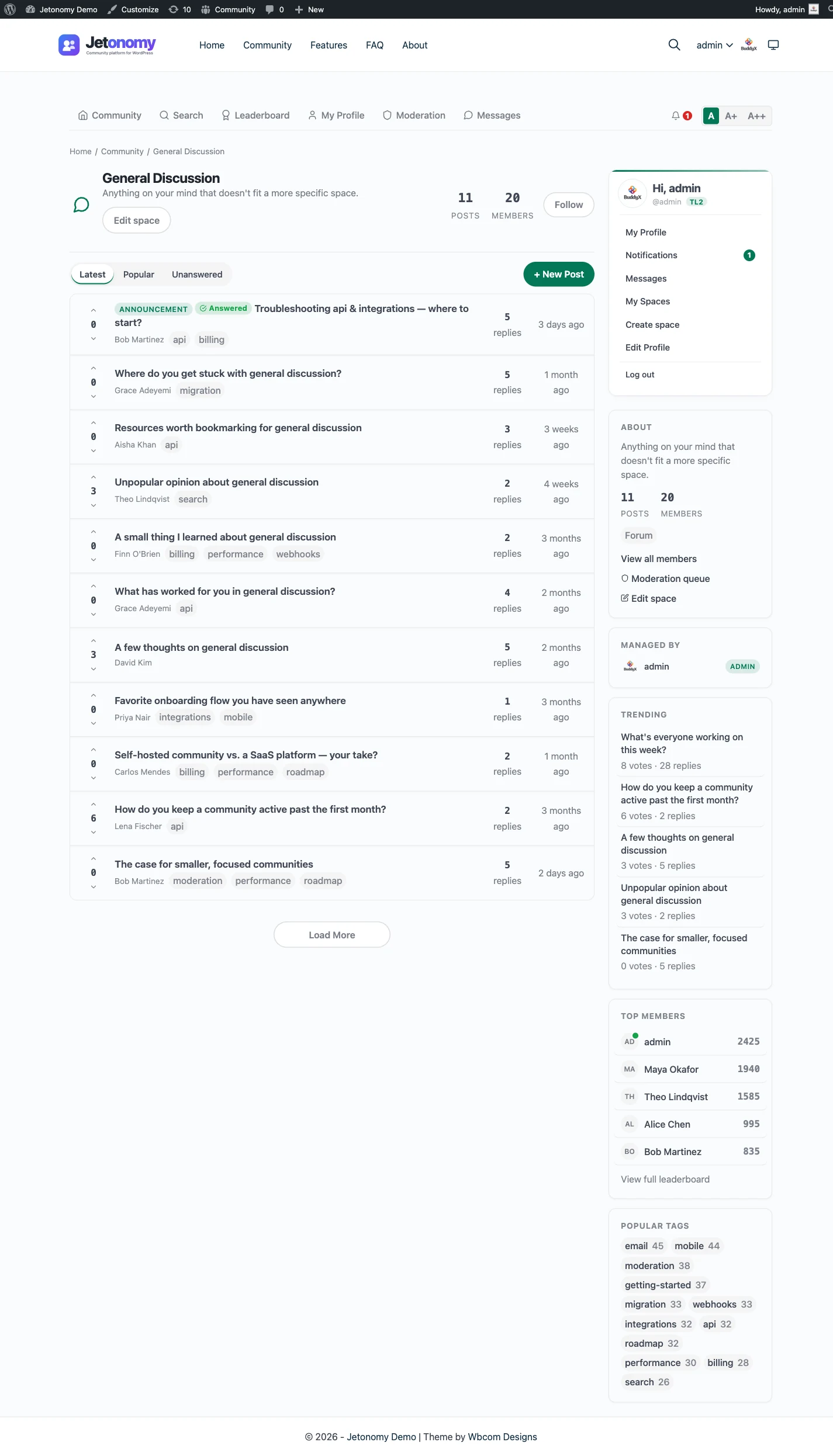
Jetonomy puts structure into the core instead. Each job gets its own space type. A Q&A space lets the asker or a moderator mark one reply as the answer. An Ideas space adds voting and a status roadmap. A Forum space stays a classic threaded forum, and Show & Tell is a short-form feed. The guide to forum, Q&A and ideas spaces explains how to pick.
Underneath, members earn trust. New accounts start with tighter limits that relax as they build a history, and there is a reputation score and a leaderboard.
Neither approach is better in the abstract. The catalogue model rewards an owner who wants control over each piece. The structured model rewards an owner who wants a community that behaves sensibly out of the box. Simple:Press does list ranks and badges among its core features, and its add-ons may cover answer-style or voting features. We did not find Q&A, voting or a solved status on its core features page, so check its add-on list for those before you assume either way.
How the licensing compares
Both plugins have a free core you can run for as long as it fits.
Simple:Press Pro is sold in tiers that differ by the number of sites covered, and each tier includes the premium add-ons, premium themes and support. You can also buy individual add-ons instead of the full package. Licences are annual subscriptions that renew each year. Its pricing page says that if you cancel you can keep using Pro but you stop receiving updates and support once the licence expires, and it offers a refund window after purchase. Check simple-press.com for current terms.
Jetonomy Pro is also an annual licence. If it lapses, Pro extensions switch off after a grace period, while the free plugin and your data keep working. See pricing for what each tier includes. We leave amounts off this page on purpose, because they change and a page about another vendor should not go stale.
A fair way to compare is by what you would actually buy. List the Simple:Press add-ons you use, then check whether the Jetonomy core covers each one, whether a Pro extension does, or whether you would go without.
Moving over: no importer, so plan a rebuild
This is the part to be honest about. Jetonomy has no importer for Simple:Press. It imports from bbPress, wpForo and Asgaros only, and moving from anything else is a manual rebuild or a custom script. A developer can write one against the REST API or WP-CLI, but it is not built in. The general approach is in the migration guide, and the three importers that do exist are described on the bbPress, wpForo and Asgaros pages.
What stays the same
- Members. They are WordPress users in both plugins, so logins carry over without anyone signing up again.
- Your site, theme and hosting.
- Anything outside the forum, such as pages, posts and media.
What you have to do yourself
- Recreate the structure. Simple:Press groups and forums become Jetonomy categories and spaces, and you choose a type for each.
- Move the content, if you want the history. That means exporting topics and posts from Simple:Press and creating them in Jetonomy, either by hand for a small forum or with a script for a large one.
- Set up redirects from old topic addresses to the new threads.
- Recreate permissions, private forums and any notification preferences.
- Replace each Simple:Press add-on you rely on with a Jetonomy setting, a Pro extension or a decision to go without.
Two ways to do it
For a small forum, start clean. Build the new spaces, post a pinned note explaining the change, keep the old forum read-only for a while and let the conversation move naturally. Old history stays reachable instead of being copied.
For a forum with years of useful threads, write a script. Read the topics and replies out of the Simple:Press tables, then create them through the Jetonomy REST API or WP-CLI. Run it on a staging copy first. Take a database backup before any live run. Because there is no importer, there is also no built-in dry run, so test with a sample of threads from every forum and check authors, dates and ordering.
If you cannot justify either route, that is a real answer. It is a reason to stay.
What Jetonomy does not do for a Simple:Press site
A catalogue of 70 add-ons covers a lot of ground, and a newer product will not match all of it. It is worth being clear about what you would be taking on.
- No importer, as described above.
- No redirects from old Simple:Press addresses. Map them yourself.
- Several of the features people move for sit in Pro, including private messaging, reactions, polls and analytics.
- The add-on catalogue is smaller, so a niche Simple:Press add-on may have no equivalent.
- There is no live chat, voice or video.
The free plugin still covers the core: four space types, trust levels, a moderation queue, accepted answers and a REST API. You can run on that alone for as long as it fits.
Setting it up, step by step
If you decide to move, the order matters more than the speed. Each step below is free unless it says Pro.
- Install Jetonomy on a staging copy of your site and run the short setup wizard. It asks for a community address and a default community type, then creates your first space.
- Sketch your new structure on paper. Decide which Simple:Press forums become Forum spaces and which should be Q&A or Ideas.
- Build the spaces and test the permissions with a few accounts.
- If you are keeping history, write and test your script against a sample.
- Plan the redirects before you touch the live site.
- Add Pro only if a feature you need sits there, such as messaging or reactions.
A normal week, and a thirty day check
Running a community is a few minutes at a time. Clear the moderation queue, answer or assign the questions without an accepted answer, and read the activity log if something looks off. The trust levels post explains how members earn more freedom over time, which shrinks your queue as the community grows.
After the first month, check which spaces are used and merge the quiet ones. Ask members what they miss from the old forum, and decide whether it is a setting, a Pro extension or something to leave out. The guide to adding a forum to WordPress covers the structure choices in more depth.
Data, privacy and ownership
Discussions live in Jetonomy’s own tables inside your WordPress database, and members are ordinary WordPress users. Personal data requests are handled with the export and erase tools WordPress already provides. Members can delete their own account and data. A developer can export everything over REST or WP-CLI, which also means leaving later is not a trap.
The Jetonomy family on one WordPress site
Jetonomy is one of several separate, optional plugins from the same team, and they run on one WordPress site with one login. Each is installed, hosted and updated on its own, which is the trade against a hosted product that bundles everything in a single bill.
BuddyNext is the social layer: profiles, an activity feed and groups. With both active, the forum adopts BuddyNext’s look and BuddyNext owns the page header and navigation, with nothing to configure. On a BuddyNext site, BuddyNext owns messaging, so do not plan on Jetonomy messaging there. Details are on the BuddyNext partner page.
Learnomy is the LMS plugin. With Jetonomy Pro, a space can be gated by a Learnomy course or membership plan. Enrolling adds the member, expiry removes them, and their posts stay. See the Learnomy partner page.
None of these is required, and the forum works fine on its own. You add a piece only when a job calls for it. The price of that choice is housekeeping, because you install, host and update each plugin yourself.
Other alternatives worth a look
Simple:Press is rarely the only plugin on a shortlist. Here is where each option tends to win. The full range is in the roundup of WordPress forum plugins.
- bbPress wins on sheer footprint and its tie to BuddyPress, and Jetonomy has an importer for it with dry-run support.
- wpForo wins if you want a heavily configurable classic forum with a long add-on list, and Jetonomy can import from it.
- Asgaros Forum wins if you want a plain, free forum that stays out of the way, and Jetonomy can import from it too.
- phpBB wins when you want a separate, proven forum application and do not mind a second login.
- Discourse wins when the forum is the whole product and you have the hosting or budget for it.
- Staying with Simple:Press wins when nothing on this page describes a problem you actually have.
For a side-by-side of everything, see the comparison hub.
Who should stay with Simple:Press
Stay if your forum is working. A community with steady posting, add-ons that earn their keep and no demand for marked answers or an ideas board gains little from a different plugin, and a manual move costs far more than an afternoon.
Stay too if a particular Simple:Press add-on is central to how your members use the forum, since there is no importer and no guarantee of an equivalent.
Move when you see the pattern: the same questions asked again, feature requests going nowhere, moderators doing by hand what trust levels could do. Then the features overview is the place to start, and a small pilot space is the cheapest way to find out whether your members want it.