What SMF is, and who it suits
Simple Machines Forum, usually called SMF, is free forum software written in PHP. You install it on your own hosting, give it a database, and get a classic board: categories, boards, topics, replies, member groups and a permissions screen. It has a long track record, and a loyal set of communities still run on it.
It suits an established board whose owner knows the software. Perhaps it was set up years ago, the regulars know where everything is, and a few mods have been added along the way. If that sounds like you, the software has done its job.
The reason to compare is a narrower one. It matters when the board now sits next to a WordPress site and the two have started to feel like separate worlds.
The real difference: upkeep, not capability
SMF is not missing the basics. It has boards, topics, moderation and member groups. The honest difference is what it takes to keep it healthy over the years.
An SMF install is its own application. Core updates are applied in its own admin, mods are packages that must be compatible with the version you run, and a custom theme has to be patched when the core moves. Each of those steps is manageable. Together they are a standing job, and it tends to fall to one person.
A forum plugin takes most of that off the list. Updates arrive where your other plugin updates arrive, data is part of the WordPress database you back up, and members come from the user list you already have. You trade the board’s own mod ecosystem for a smaller surface to look after. Whether that trade is good depends on how much you rely on those mods.
Reputation, answers and a calmer moderation queue
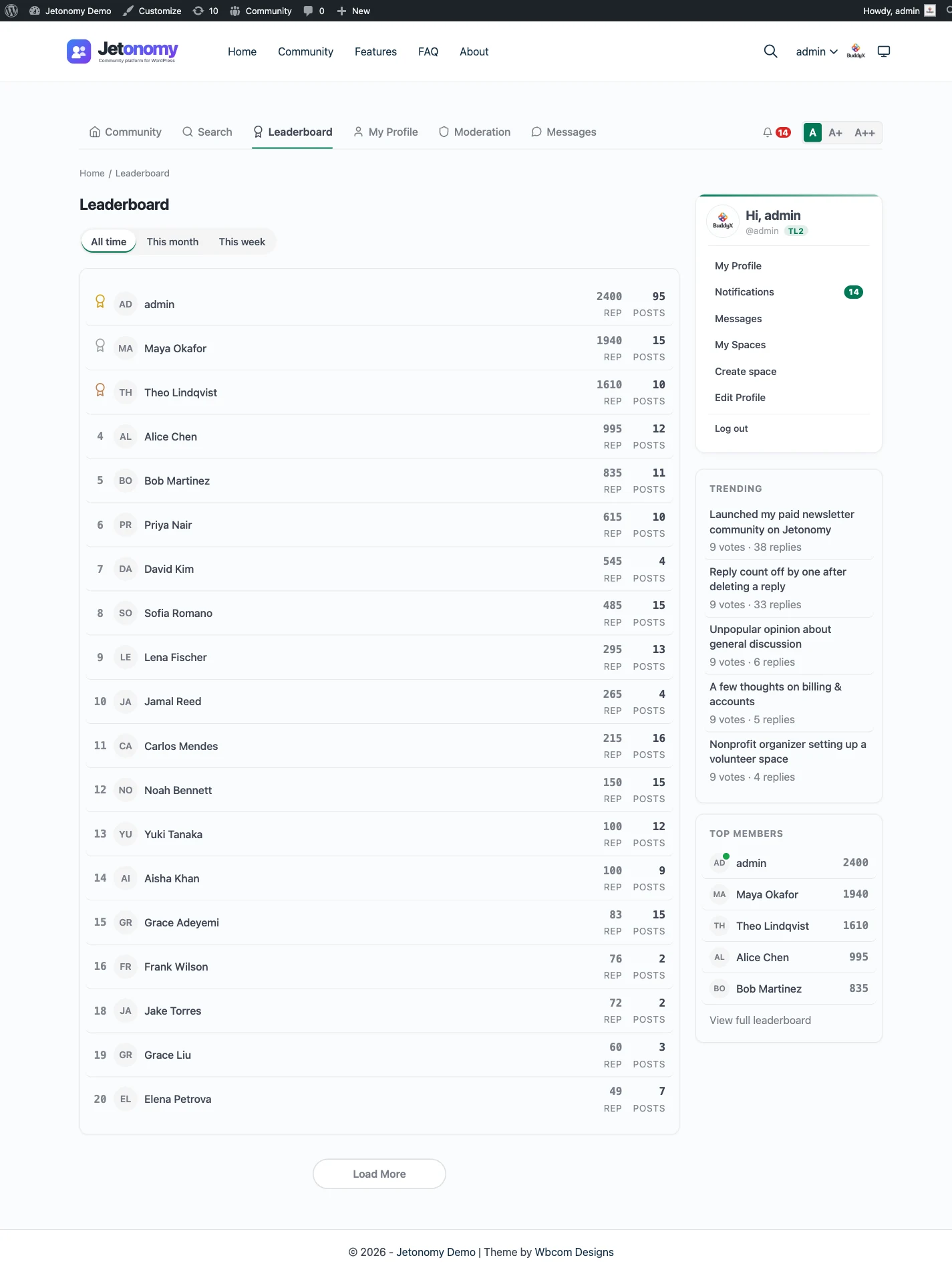
If you are moving, you want something to move to. Jetonomy puts reputation and a leaderboard in the free plugin, and the reputation and leaderboard page shows how points are earned. Trust levels sit alongside: new accounts start with tighter limits, and levels 1 to 3 are earned through post count, days active and reputation.
For questions, a Q&A space lets the asker or a moderator mark one reply as the answer. A long board thread buries the fix in page four; a marked answer sits where the next reader will find it. The Q&A and accepted answers page walks through the flow.
Moderation uses a queue for flagged content, per-space moderators, ban and silence, and a revision and activity log. A person still has to look at the queue regularly. The trust levels and moderation page has the detail.
Setting it up, from install to first real use
A plugin should feel like a plugin, so the steps below are short. Each is free unless it says Pro.
- Install Jetonomy and run the setup wizard. It asks for a community address and a default community type, then creates your first space.
- Build your space list. Start with fewer spaces than the old board had, since quiet boards make a forum look empty.
- Look at the reputation and leaderboard settings, and decide how new accounts start. Trust levels do the rest.
- Add your rules as a pinned post, and invite your regulars first so the forum is not empty on day one.
- Test posting, replying, flagging and accepting an answer, as an ordinary member and as a moderator.
- Switch on Pro extensions only for the jobs you actually have, such as an email digest or messaging.
What search engines and members see
Public spaces are ordinary crawlable pages on your own domain. The free plugin adds structured data for questions and answers, discussion posts, people and breadcrumbs, and each public space has its own RSS feed. SEO Pro, which needs a licence, adds per-space overrides.
That matters to a board that has years of threads indexed. Your old addresses will not carry over on their own, so the redirect map is the work that protects those rankings. The SEO Pro page shows what the paid layer adds.
Members see a forum that matches the rest of the site, works on a phone and follows your theme colours. Pro adds a native iOS app, as described on the mobile app page.
What it costs to run each
SMF itself is free software. What you pay for is the hosting it sits on, the time to patch it, and the care taken whenever a mod or theme needs updating. For some owners that is an hour a quarter. For others it is the reason the board has been left alone for too long.
Jetonomy is a plugin on your existing WordPress hosting, so there is no second install to host. The load lands on the same server as the rest of the site, which matters for a very active forum. An object cache such as Redis or Memcached helps if your host offers one.
The core plugin is free, and Pro starts at $69 a year for one site. For SMF, check the vendor’s site for current terms. The pricing page explains what Pro adds.
Moving over: a rebuild, not an import
There is no SMF importer. Jetonomy imports from bbPress, wpForo and Asgaros Forum, and the migration and import page says so plainly. Anything else is a manual rebuild or a custom script written against the REST API or WP-CLI.
What a sensible move looks like
- Decide which boards map to which spaces, and drop the ones nobody uses.
- Carry over the threads people actually search for, as Q&A threads where they were questions.
- Keep the old board read-only for a while, with a clear link to the new forum.
What you will not get for free
- Member accounts, which must be created in WordPress.
- Password hashes, post counts and reputation.
- Redirects from old addresses, which you set up yourself.
The migration guide covers staging and checking.
What a normal week looks like
With a board, a week often includes a check of the mod list and the theme. With a plugin, the week is closer to community work than to server work.
You read the moderation queue and act on flags. You look for questions without an accepted answer and ask the right person to reply. Once in a while you promote a member who has earned it, since the top two trust levels are granted by an admin. Then you let the plugin update with the rest of the site, preferably on staging first.
The trust levels post explains why this stays manageable as the community grows.
What Jetonomy does not do for an SMF board
Say it plainly before you move.
- There is no SMF importer. A move is a rebuild or a developer’s script.
- Member groups and the permissions screen are not reproduced. Jetonomy uses space visibility, space roles and trust levels instead.
- Mods and custom themes do not carry over, and there is no mod package system.
- Post counts and reputation do not transfer, and redirects are not created.
- Search is MySQL full-text, which suits a community-sized board.
Most of these are the price of leaving an older stack behind. If you rely heavily on one particular mod, find out first whether the job is covered by a setting, a Pro extension or a short piece of custom code.
Your data, and who owns it
Everything is stored in Jetonomy’s tables inside your WordPress database. Members are WordPress users, and WordPress’s own export and erase tools handle personal data requests. Members can delete their own account and data. A developer can read the whole community over REST or WP-CLI.
If a Pro licence ever lapses, the Pro extensions switch off after 30 days. The free plugin and all your data keep working, so a missed renewal never holds the community hostage.
Questions to ask before leaving a long-running board
An old board carries habits that are easy to underestimate. Spend an evening on these questions before you commit.
- Which mods does your community notice, and what would they say if each disappeared?
- Do your members log in daily, or do most read and leave? Daily visitors need more care in the move.
- How many of your best threads are really questions with an answer, and would a Q&A space suit them?
- Who has the knowledge of the old install, and will they still be around after the move?
If the answers point to a quiet board with a few mods, the move is small. If they point to a busy board with deep customisation, run both side by side for longer.
A thirty day check after launch
By the end of the first month you should know what is working. Look at which spaces are busy and merge the ones that are not. Read the moderation queue history to see whether new accounts are being caught early. Ask a handful of regulars what they miss from the old board, and sort the answers into a setting, a Pro extension or something to leave out.
Then retire the old board gracefully. Keep it read-only for a set period, and add a clear link to the new forum on every page of it. Use the migration guide as your checklist for the redirect work that remains.
Keeping the regulars on side
Long-time members are the part of a board that cannot be rebuilt. Tell them first, explain what they gain, and ask two or three of them to test the new forum before anyone else. Their reaction will tell you more than any checklist.
Beyond the forum: the rest of the family
Jetonomy is one of a family of separate, optional plugins from the same team. They share one WordPress site and one login, and each is installed, hosted and updated separately. A hosted product would put these in one bill; here they are pieces you manage.
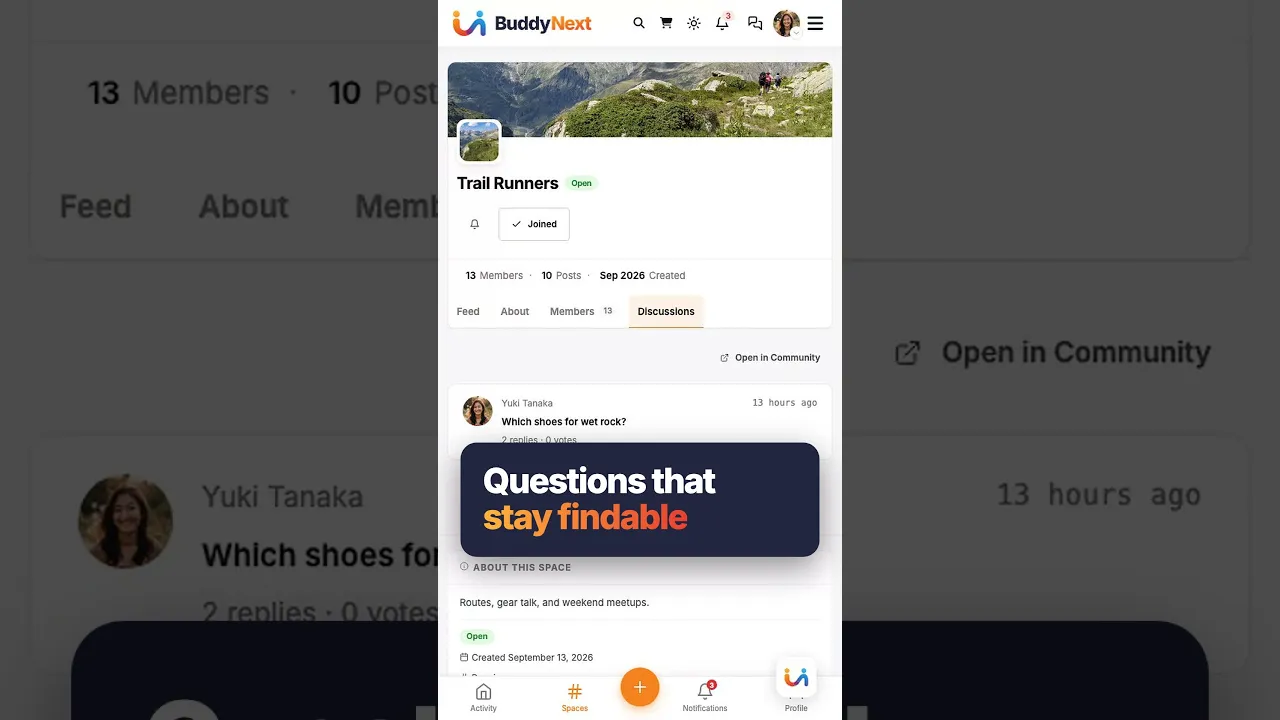
BuddyNext is the social layer, with profiles, an activity feed and groups. When both are active, the forum adopts BuddyNext’s look and BuddyNext owns the page header and navigation, with nothing to configure. BuddyNext owns messaging on such a site. See the BuddyNext partner page.
Learnomy is the LMS plugin. With Jetonomy Pro, a space can be gated by a Learnomy course or membership plan. Enrolling adds the member, expiry removes them, and their posts stay. See the Learnomy partner page.
The team also makes WP Career Board for a job board, Listora for a directory, Eventonomy for events, WPMediaVerse for member media and WB Gamification for points and badges. They sit on the same site as separate plugins. The themes BuddyX Pro and Reign come from the same team, and Jetonomy adopts the active theme’s brand colour.
None of these is required, and the forum stands on its own. You add a piece only when a job calls for it. The price of that choice is housekeeping: you install, host and update each plugin yourself, where a hosted platform would bundle everything behind one subscription and one support desk.
Other alternatives worth a look
- phpBB wins if you want another free standalone board with a large extension library.
- XenForo wins if the forum is the business and a paid, polished application is worth it.
- Discourse wins for a modern standalone forum when you have the hosting for it.
- bbPress wins as the lightest free forum inside WordPress.
- wpForo wins for a configurable classic forum inside WordPress.
- Staying on SMF wins when the board works and the mods you rely on have no equivalent elsewhere.
Check the vendor’s site for each product before you decide.
Who should stay with SMF
Stay if the board is stable and the people who run it know it well. A move costs real weeks of checking, and a community that is happy gains nothing from fresh software.
Stay if the forum is the main site and WordPress plays no part. The single-login argument only applies when there is a WordPress site to join.
If your forum is the odd one out beside a WordPress site, the WordPress forum plugin page is a good next stop.